Monday, February 21, 2022

Enable PHP 8 xdebug from the command line

 "Xdebug is an extension for PHP, and provides a range of features to improve the PHP development experience. Step Debugging A way to step through your code in your IDE or editor while the script is executing."

Source: https://xdebug.org/ 

Install following the instructions from https://xdebug.org/docs/install

Note, PHP 8 settings are different than earlier versions of PHP, xdebug
For PHP 7 settings, see the prior post 
Enable PHP xdebug from the command line 

Download and place the xdebug extension in php\ext
C:\laragon8\bin\php\php-8.0.11-Win32-vs16-x64\ext

Configure your PHP 8 php.ini settings:

zend_extension=xdebug-3.0.4-8.0-vs16-x86_64

[xdebug]
xdebug.mode=debug
xdebug.start_with_request=yes
xdebug.client_host=127.0.0.1
xdebug.client_port=9081
xdebug.idekey=PHPSTORM 

Note, if you use xdebug.start_with_request=trigger, this may be more efficient for large code paths as xdebug should only be started when you send a request with XDEBUG_SESSION set, which can be set via xdebug helper for chrome or xdebug helper for firefox


You can also add arguments to your PHP call

> php -d -dxdebug.mode=debug -dxdebug.start_with_request=yes -dxdebug.client_host=127.0.0.1 -dxdebug.client_port=9081 -dxdebug.idekey=PHPSTORM your/script.php

The option -d can set/override php.ini values

-d foo[=bar]     Define INI entry foo with value 'bar'
Reference: https://www.php.net/manual/en/features.commandline.options.php


If you are using the conemu console you can add the alias to your settings -> startup -> environment

alias xphp8=C:/laragon80/bin/php/php-8.0.11-Win32-vs16-x64/php -dxdebug.mode=debug -dxdebug.start_with_request=yes -dxdebug.client_host=127.0.0.1 -dxdebug.client_port=9081 -dxdebug.idekey=PHPSTORM $*

alias php8=C:/laragon80/bin/php/php-8.0.11-Win32-vs16-x64/php $*

If you are using git for windows, which adds bash, you can also add the aliases
Edit your .bashrc
C:\Users\[youruser]\.bashrc

alias xphp8="C:/laragon80/bin/php/php-8.0.11-Win32-vs16-x64/php -dxdebug.mode=debug -dxdebug.start_with_request=yes -dxdebug.client_host=127.0.0.1 -dxdebug.client_port=9081 -dxdebug.idekey=PHPSTORM $*"

alias php8="C:/laragon80/bin/php/php-8.0.11-Win32-vs16-x64/php $*"


And use as

> xphp8 slimapp/cli.php arg1 arg2=test

Reference: Slim PHP CLI


-End of Document-
Thanks for reading


Monday, January 24, 2022

App breaks out of Cypress test run frame

Cypress is a end-to-end testing framework which is fast, easy and reliable testing for anything that runs in a browser.
Cypress version: 8.3.0

When using Cypress with ReactJS, you may run into a scenario where the tests run the first time, but subsequent tests break out of the Cypress tests run frame; and just shows your app, or your apps loading indicator.  So your tests stop.  

While clearing the Cypress cache fixes the tests for the next run, there should be a better solution.

In the developers tools, if you enable preserve logs for the console and network, you may see a redirect to `__`

Some searching for `cypress redirects to __` will lead you to

'Cypress test runner redirects to __ suddenly'

which suggests adding 
`
Cypress.on('window:before:load', (win) => {
      Object.defineProperty(win, 'self', {
            get: () => {
                return window.top
            }
        })
});
`

To add to your Cypress config,
assuming in `cypress.json` you have your support dir set to 
"supportFile": "[app-product]/support",

add the suggestion to a file
support/callbacks/fix_iframe_redirects.js

and in the support/index.js,
reference the file
import './callbacks/fix_iframe_redirects';

You may have to force refresh the Cypress browser, or clear the Cypress cache once more.

Additional config to check for:
While this seems to be the default, if you happen to be using an ejected Webpack config, also check that `navigateFallbackWhitelist` is set to check for `__`.  

...
new SWPrecacheWebpackPlugin({
...
navigateFallback: publicUrl + "/index.html",
navigateFallbackWhitelist: [/^(?!\/__).*/]
});


You may also encounter the generic error:
TypeError: Cannot set property name of  which has only a getter

Unfortunately, it seems that you can either delete the Cypress cache each time, or disable Chrome web security
tests/cypress/cypress.json
    "chromeWebSecurity": false,
With these changes, your Cypress tests should stay framed and run as expected.


-End of Document-
Thanks for reading 


Monday, December 6, 2021

Windows Development Software - Tweaks

This is a series of posts which will list some useful apps for development and general usage of Windows. These are just some examples of what can be useful. Of course, use any app you already know or have.

tweak windows:

Open Shell

https://github.com/Open-Shell/Open-Shell-Menu

Start menu replacement with Classic style Start Menu for Windows 7, 8, 8.1, 10 and Toolbar for Windows Explorer


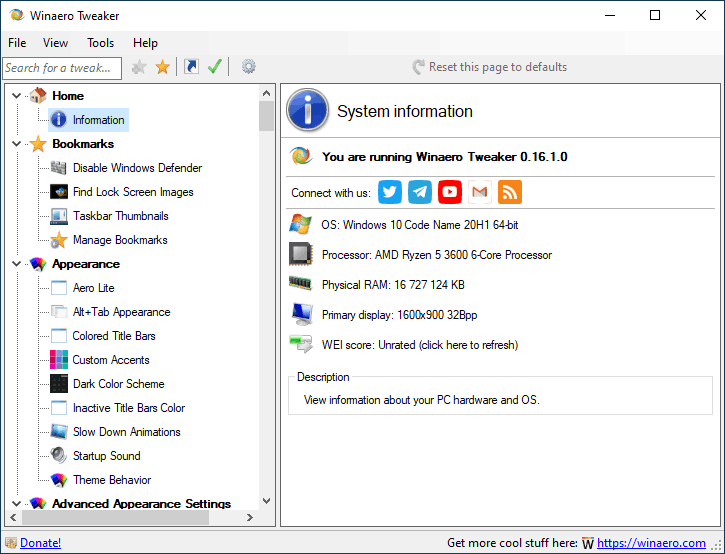
Winaero Tweaker

https://winaerotweaker.com/

Winaero Tweaker is a freeware app, all-in-one application that comes with dozens of options for fine-grained tuning of various Windows settings and features.


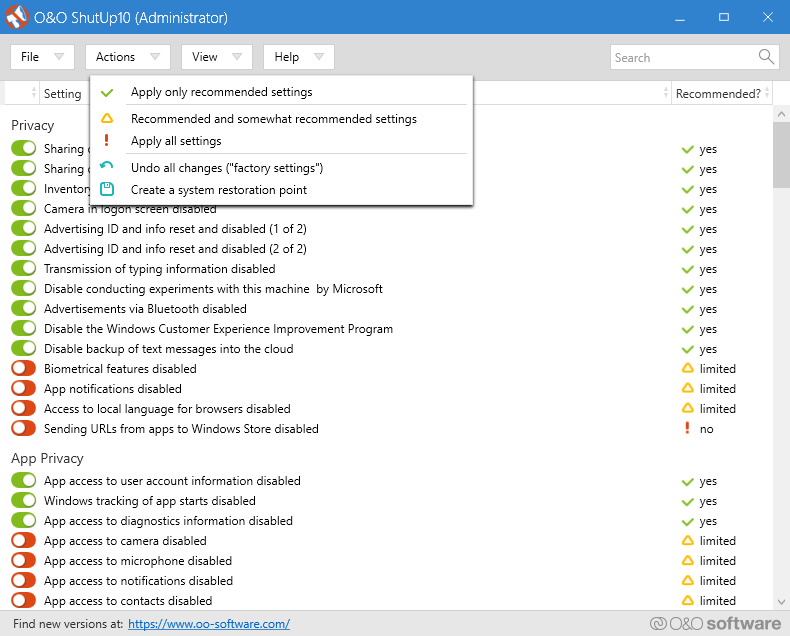
O&O ShutUp10

https://www.oo-software.com/en/shutup10

O&O ShutUp10 means you have full control over which comfort functions under Windows 10 you wish to use, and you decide when the passing on of your data goes too far. Using a very simple interface, you decide how Windows 10 should respect your privacy by deciding which unwanted functions should be deactivated.


-End of Document-
Thanks for reading 

Monday, November 22, 2021

Windows Development Software - Maintenance/Security/Utilities

This is a series of posts which will list some useful apps for development and general usage of Windows. These are just some examples of what can be useful. Of course, use any app you already know or have.


maintenance/security/utilities:

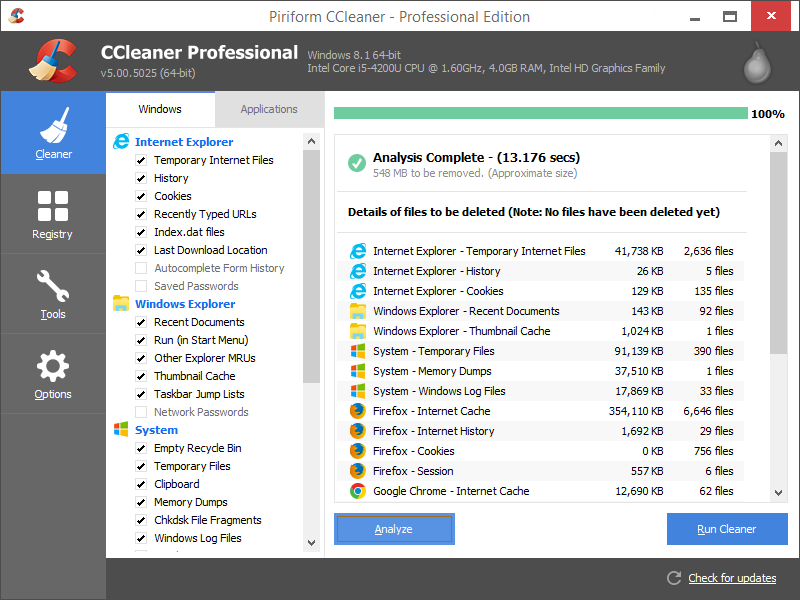
CCleaner 

https://www.ccleaner.com/ccleaner/

CCleaner is the number-one tool for cleaning your PC.

It protects your privacy and makes your computer faster and more secure!


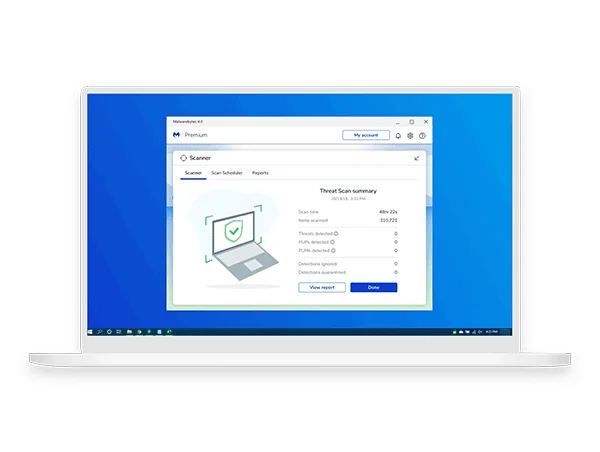
Malwarebytes 

https://www.malwarebytes.com/for-home/

Malwarebytes doesn’t just find threats like malware and viruses, it also finds potentially unwanted programs that can slow you down. Malwarebytes protects all your devices and personal info from threats, so you can shop, play, and connect without a second thought.


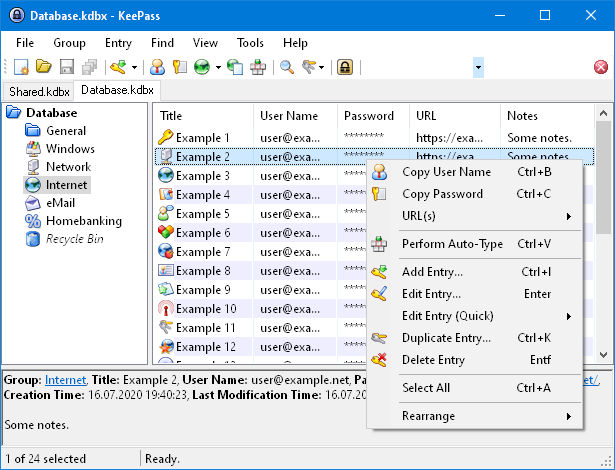
KeePass 

https://keepass.info/

KeePass is a free open source password manager, which helps you to manage your passwords in a secure way. You can store all your passwords in one database, which is locked with a master key. So you only have to remember one single master key to unlock the whole database. Database files are encrypted using the best and most secure encryption algorithms currently known


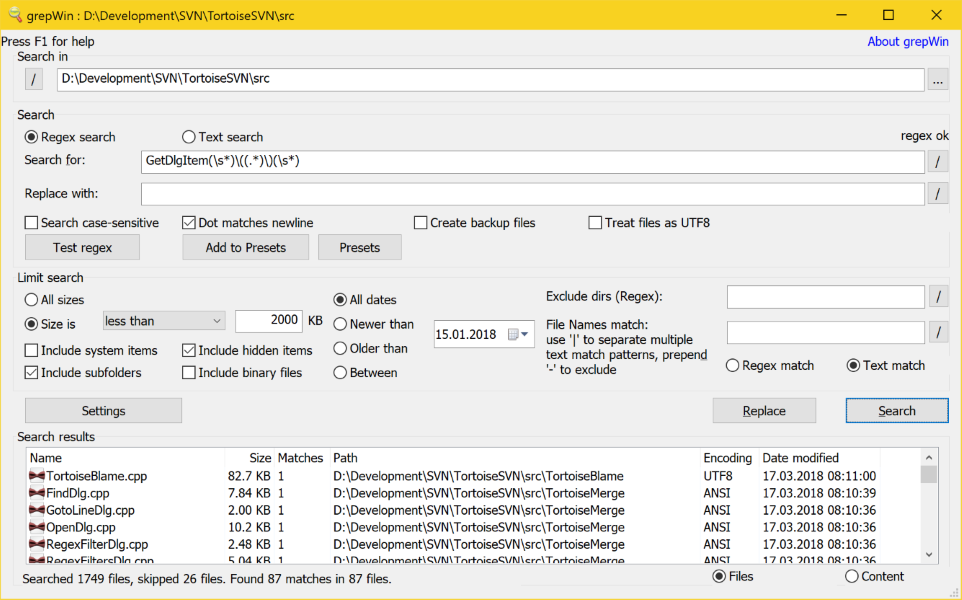
grepWin 

https://github.com/stefankueng/grepWin

grepWin is a simple search and replace tool which can use regular expressions to do its job. This allows to do much more powerful searches and replaces.


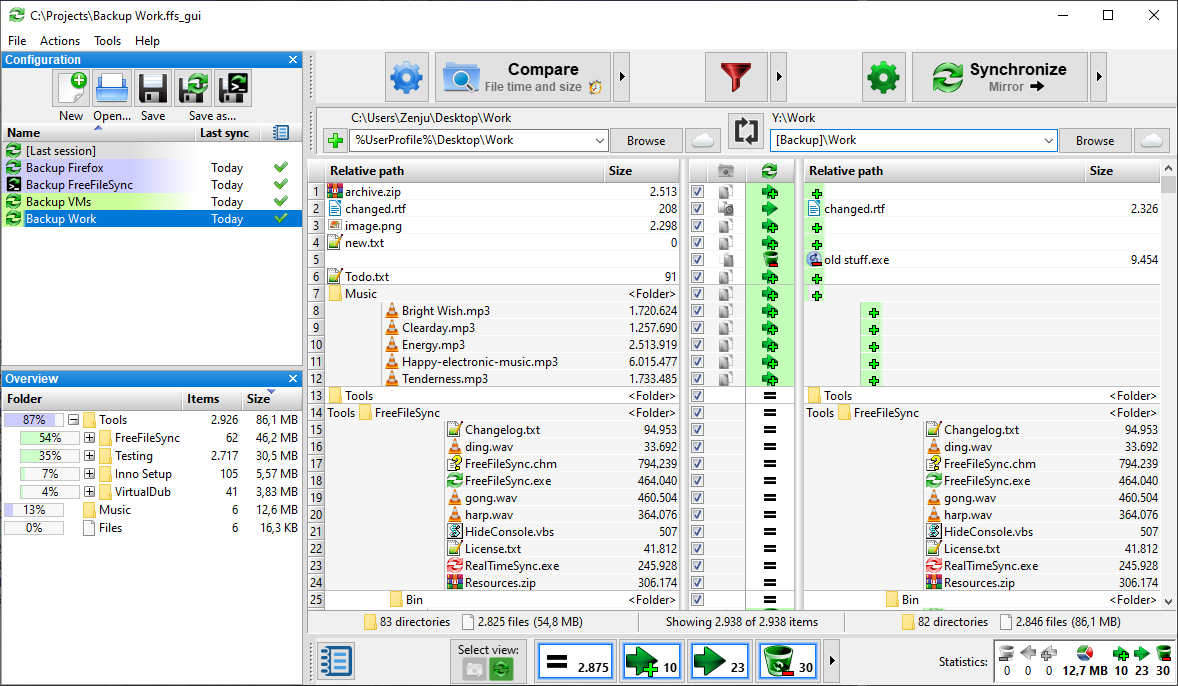
FreeFileSync 

https://freefilesync.org/

FreeFileSync is a folder comparison and synchronization software that creates and manages backup copies of all your important files. Instead of copying every file every time, FreeFileSync determines the differences between a source and a target folder and transfers only the minimum amount of data needed. FreeFileSync is Open Source software, available for Windows, macOS, and Linux.


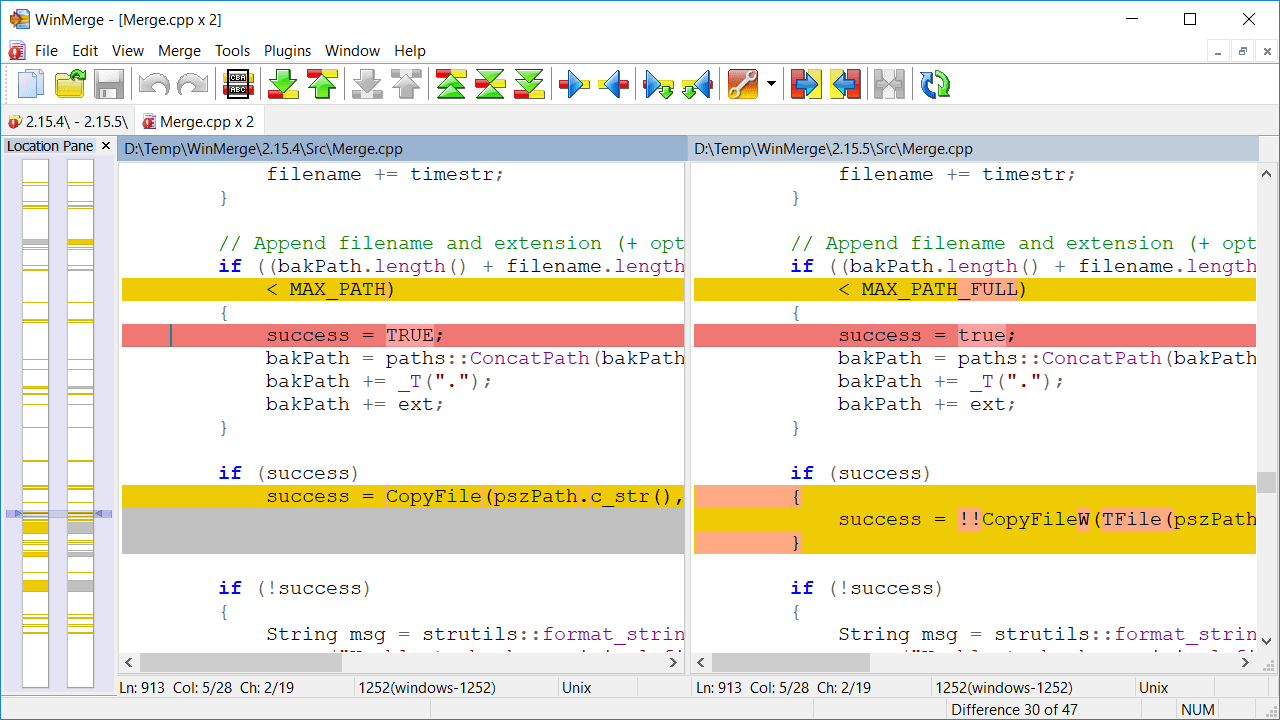
WinMerge 

https://winmerge.org/

WinMerge is an Open Source differencing and merging tool for Windows. WinMerge can compare both folders and files, presenting differences in a visual text format that is easy to understand and handle.


-End of Document-
Thanks for reading 

Monday, November 8, 2021

Windows Development Software - Code Editor, IDE

This is a series of posts which will list some useful apps for development and general usage of Windows. These are just some examples of what can be useful. Of course, use any app you already know or have.

code editor, ide:

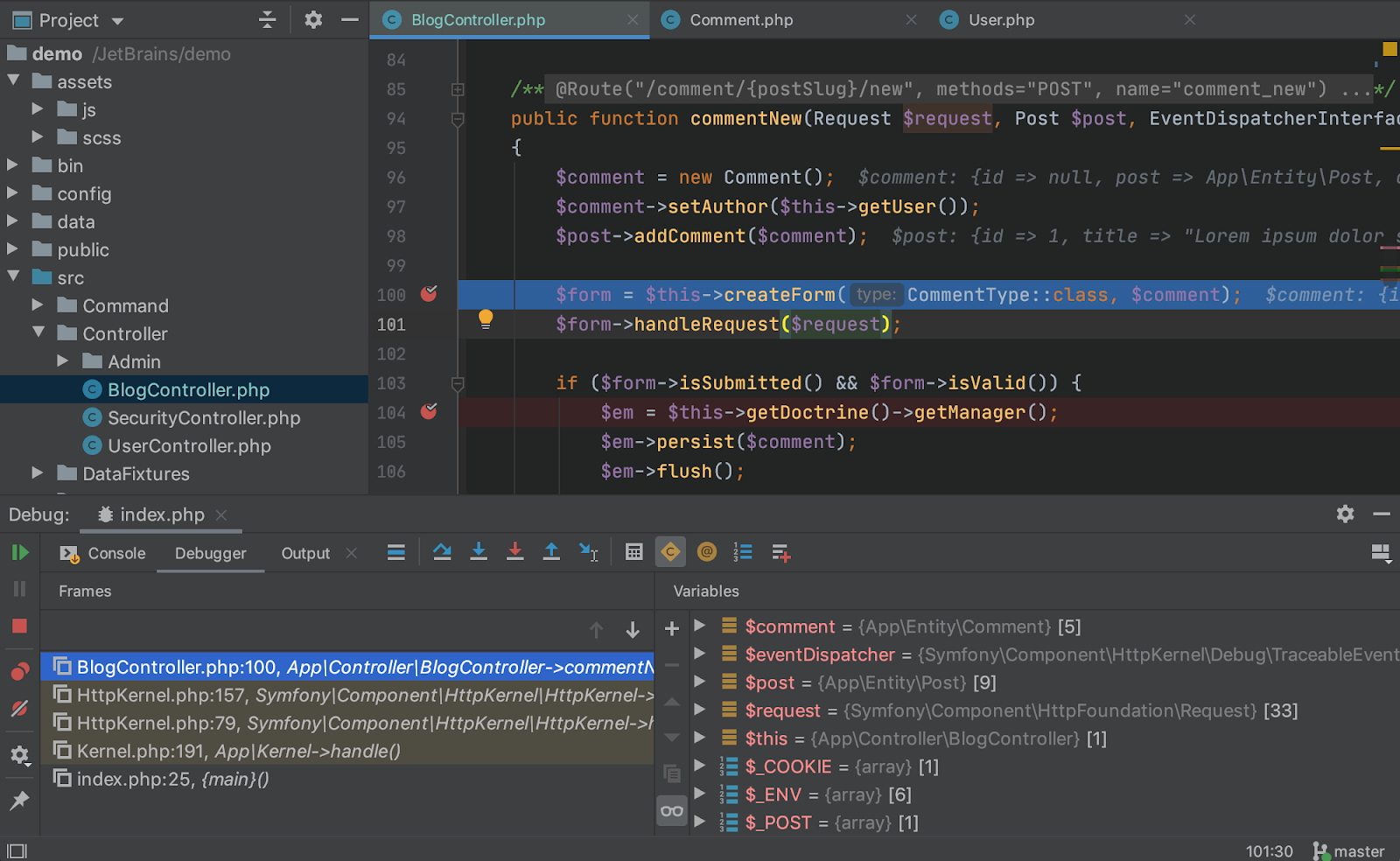
PHPStorm

https://www.jetbrains.com/phpstorm/
PHPStorm actually 'gets' your code and deeply understands its structure, supporting all the PHP language features for modern and legacy projects. It provides the best code completion, refactorings, on-the-fly error prevention, and more.


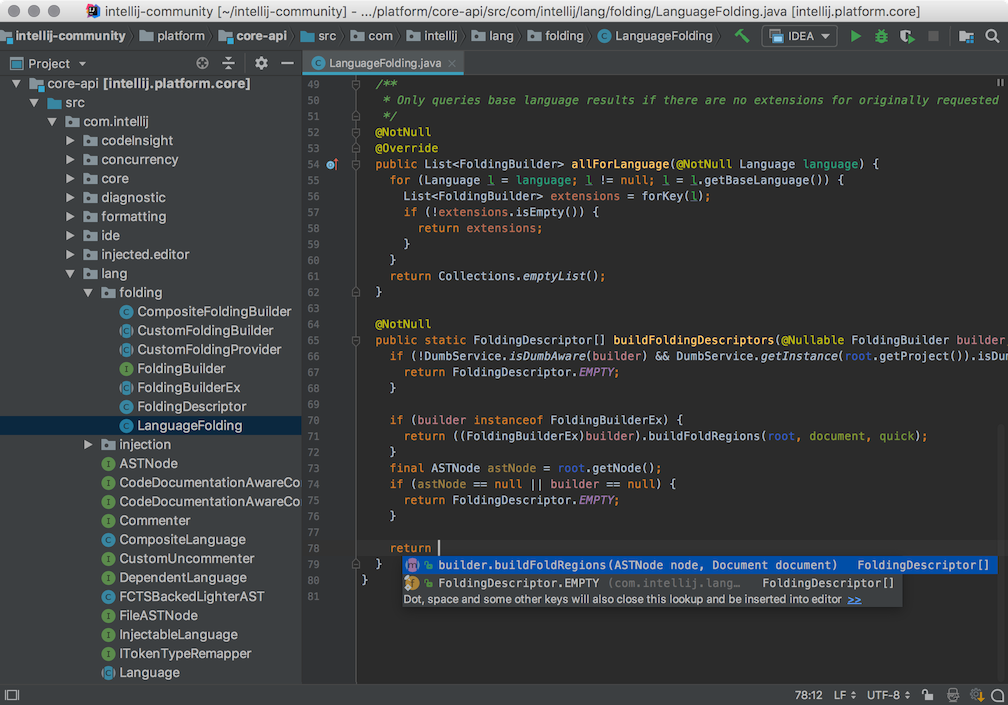
IntelliJ IDEA

https://www.jetbrains.com/idea/

Every aspect of IntelliJ IDEA has been designed to maximize developer productivity. Together, intelligent coding assistance and ergonomic design make development not only productive but also enjoyable.


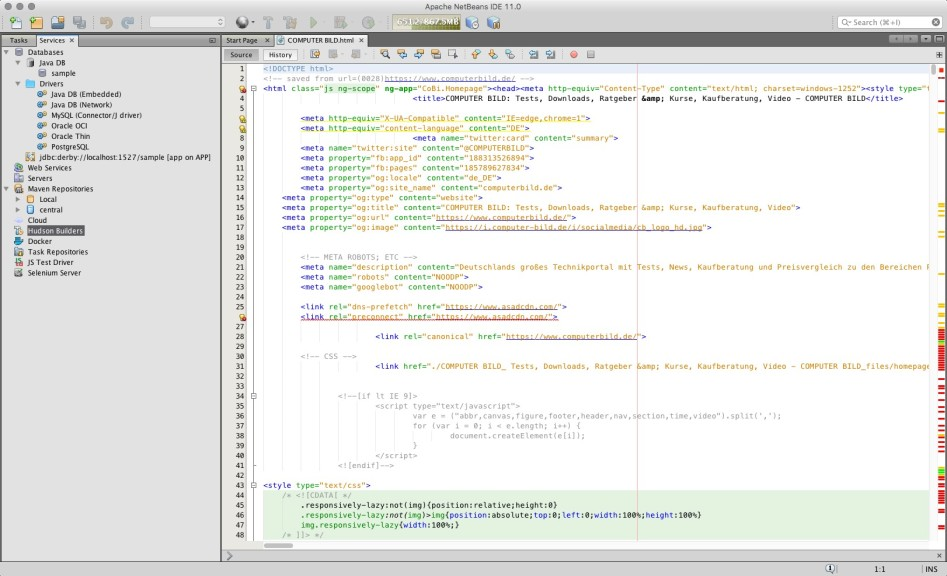
Netbeans

http://netbeans.org/

Netbeans, an open source and cross platform ide, highlights source code syntactically and semantically, lets you easily refactor code, with a range of handy and powerful tools.


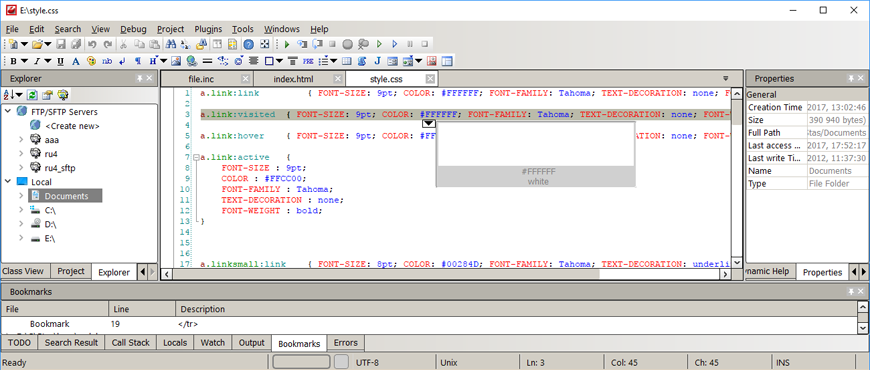
CodeLobster 

http://codelobster.com/

CodeLobster IDE streamlines and simplifies the PHP development process. You don't need to keep in mind the names of functions, arguments, tags or their attributes -- we've implemented all these for you with autocomplete features for PHP, HTML, JavaScript and even CSS.


NuSphere 

http://www.nusphere.com/

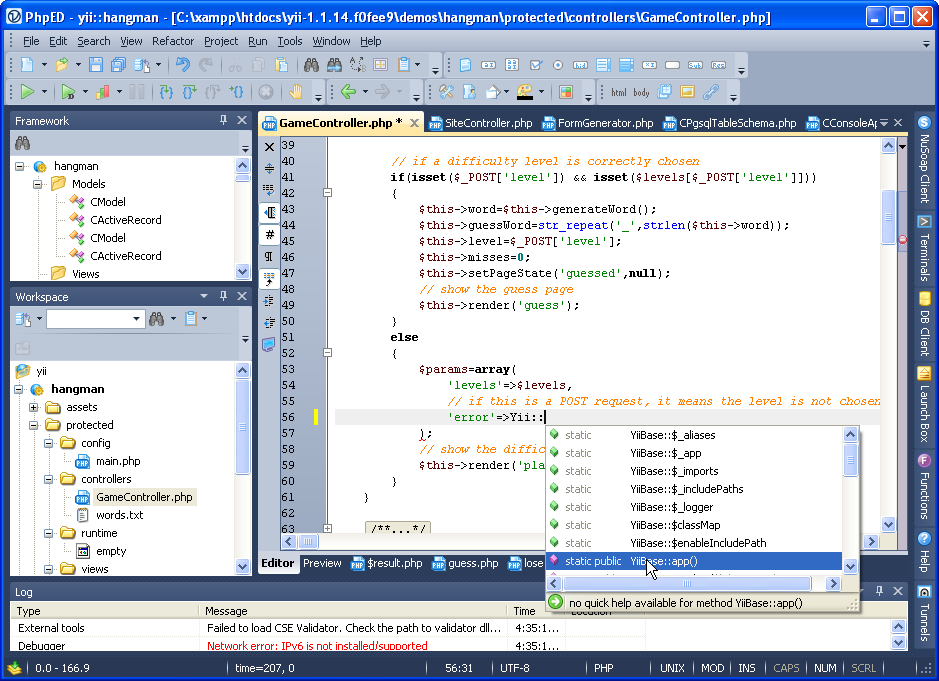
NuSphere is provider of the best PHP Tools, the home of PhpED - state of the art PHP Editor.

Thousands of people use our tools including our PHP IDE with the leading debugging tool for PHP.


Atom

https://atom.io/

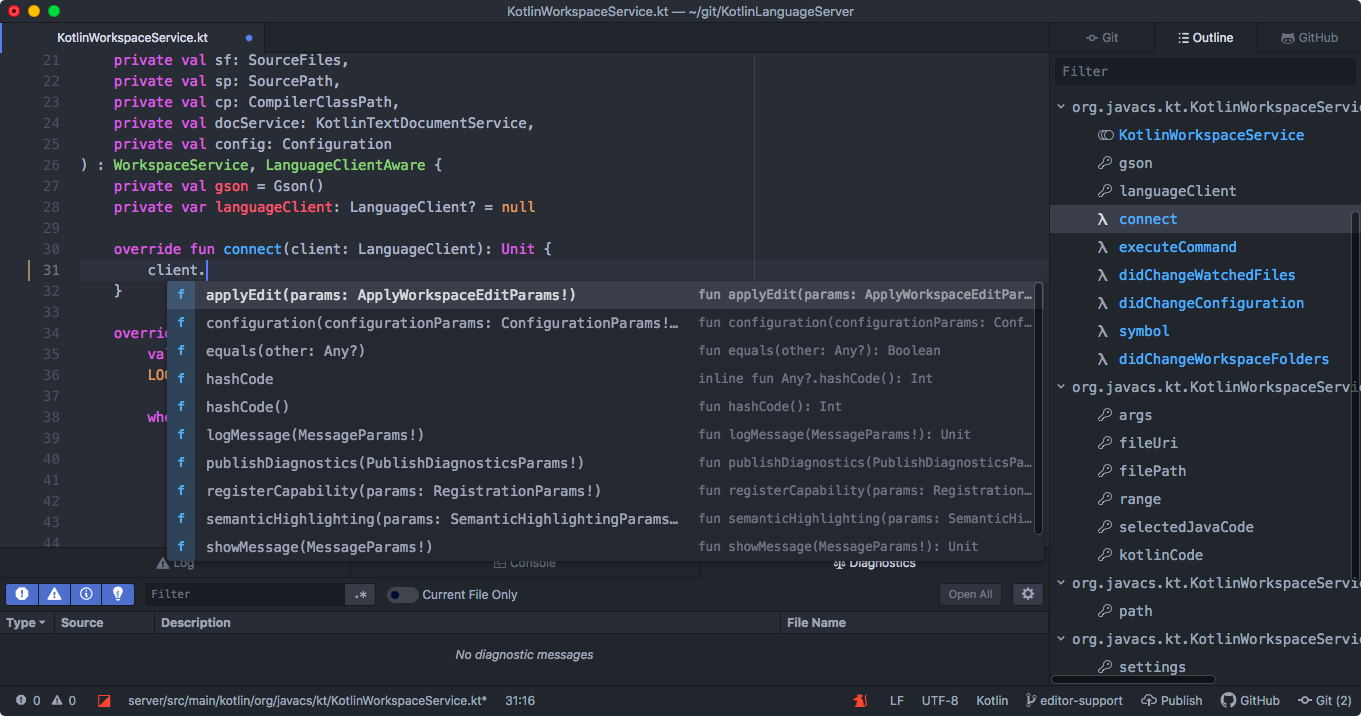
An open source, hackable text editor for the 21st Century


Visual Studio Code

https://code.visualstudio.com/

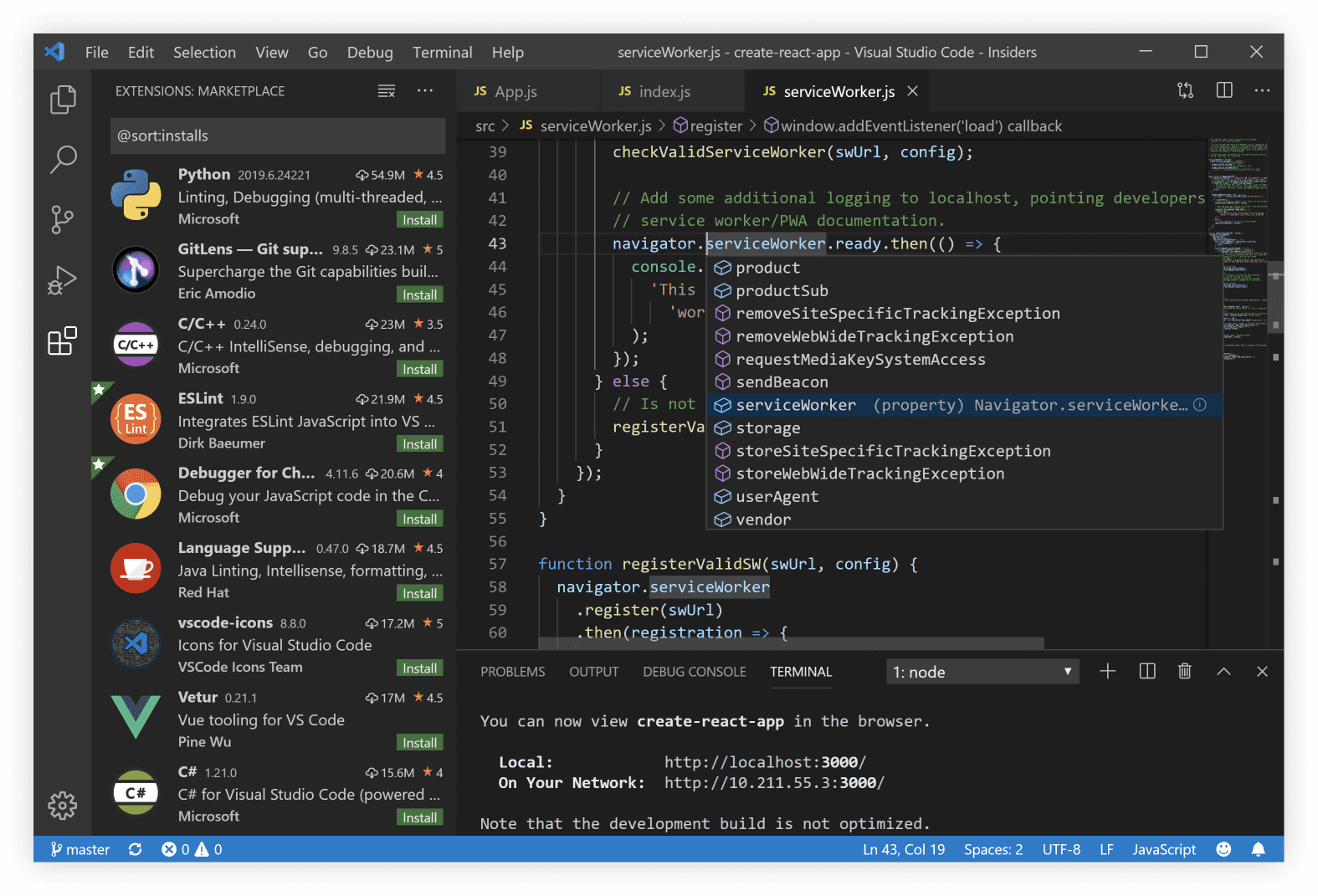
Visual Studio Code is a lightweight but powerful source code editor which runs on your desktop and is available for Windows, macOS and Linux. It comes with built-in support for JavaScript, TypeScript and Node.js and has a rich ecosystem of extensions for other languages (such as C++, C#, Java, Python, PHP, Go) and runtimes (such as .NET and Unity)

AWS Cloud9

https://aws.amazon.com/cloud9/

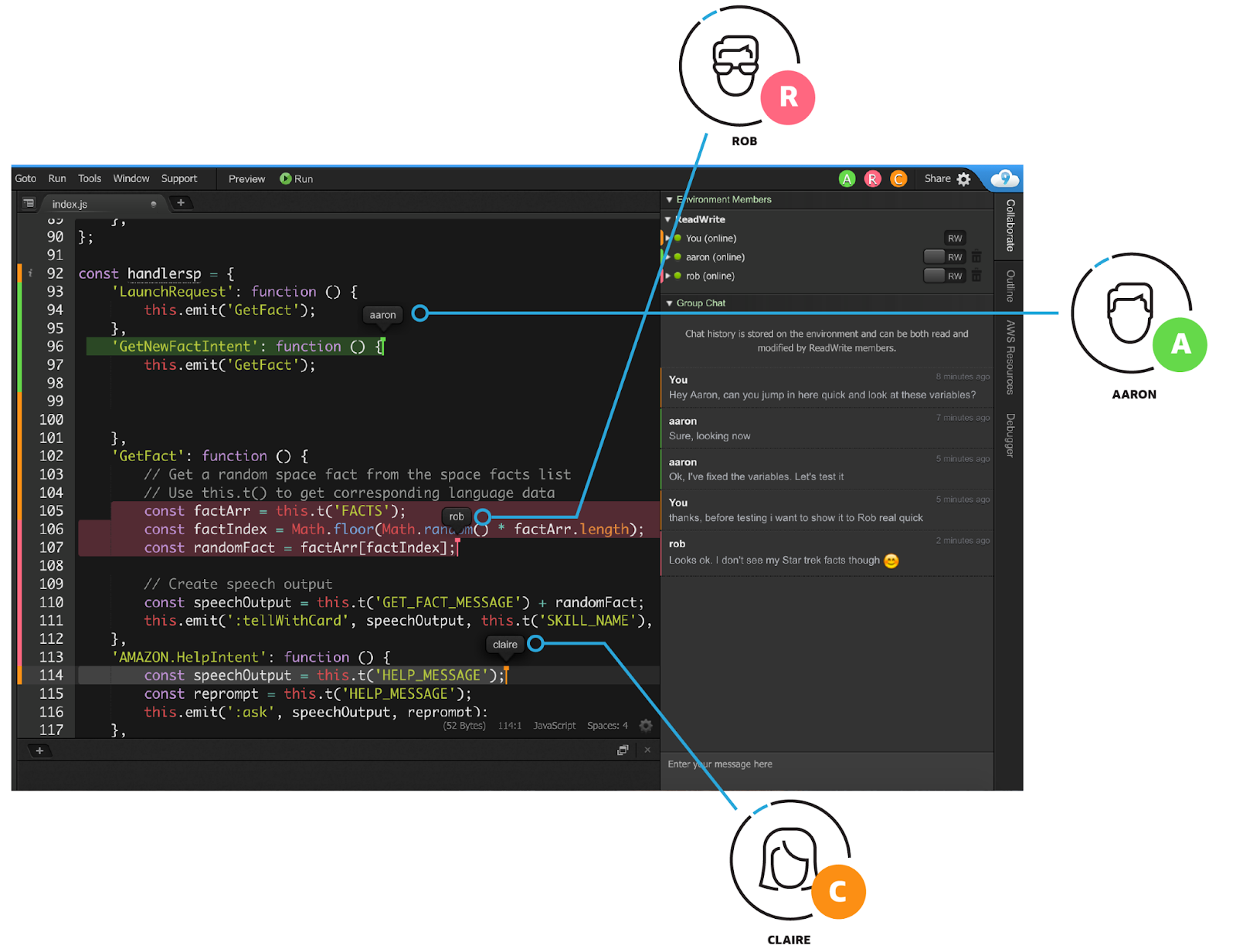
AWS Cloud9 is a cloud-based integrated development environment (IDE) that lets you write, run, and debug your code with just a browser. It includes a code editor, debugger, and terminal. Cloud9 comes prepackaged with essential tools for popular programming languages, including JavaScript, Python, PHP, and more, so you don’t need to install files or configure your development machine to start new projects. Since your Cloud9 IDE is cloud-based, you can work on your projects from your office, home, or anywhere using an internet-connected machine. Cloud9 also provides a seamless experience for developing serverless applications enabling you to easily define resources, debug, and switch between local and remote execution of serverless applications. With Cloud9, you can quickly share your development environment with your team, enabling you to pair program and track each other's inputs in real time.


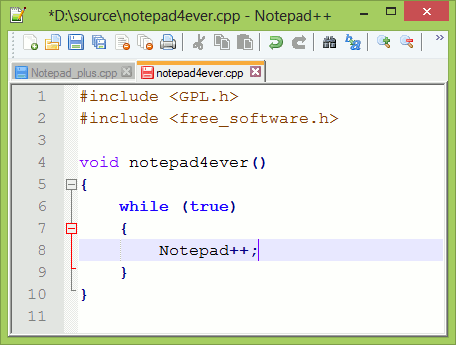
Notepad++

https://notepad-plus-plus.org/

Notepad++ is a free (as in “free speech” and also as in “free beer”) source code editor and Notepad replacement that supports several languages.  Based on the powerful editing component Scintilla, Notepad++ is written in C++ and uses pure Win32 API and STL which ensures a higher execution speed and smaller program size.


Geany 

https://www.geany.org/

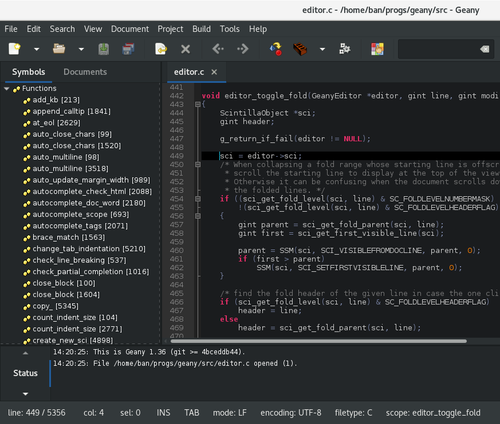
Geany is a powerful, stable and lightweight programmer's text editor that provides tons of useful features without bogging down your workflow. It runs on Linux, Windows and MacOS is translated into over 40 languages, and has built-in support for more than 50 programming languages.


-End of Document-
Thanks for reading

Monday, October 25, 2021

Windows Development Software - Local Dev Env

This is a series of posts which will list some useful apps for development and general usage of Windows. These are just some examples of what can be useful. Of course, use any app you already know or have.

local dev env:

Laragon

https://github.com/leokhoa/laragon

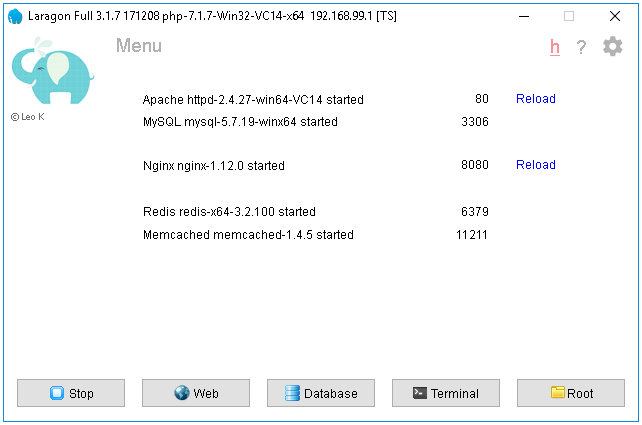
Laragon is a portable, isolated, fast & powerful universal development environment for PHP, Node.js, Python, Java, Go, Ruby. It is fast, lightweight, easy-to-use and easy-to-extend.


XAMPP

https://www.apachefriends.org/

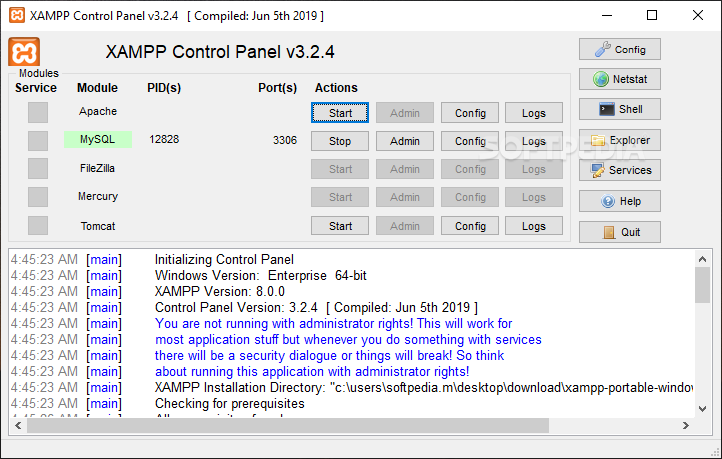
XAMPP is a completely free, easy to install Apache distribution containing MariaDB, PHP, and Perl. The XAMPP open source package has been set up to be incredibly easy to install and to use.


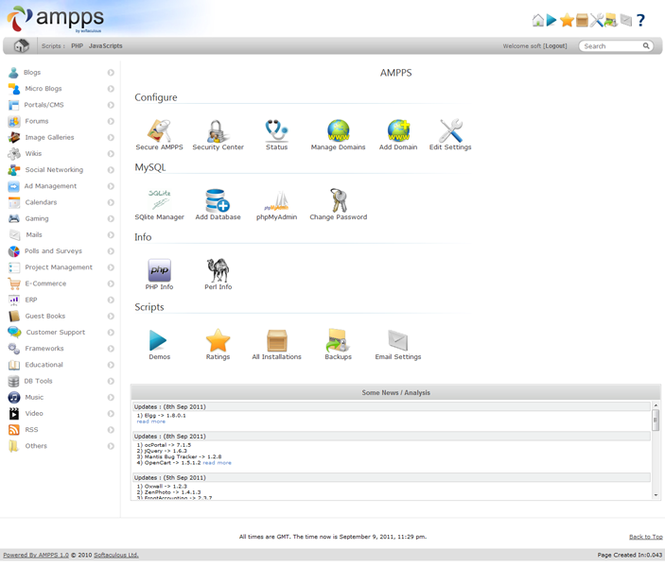
Ampps

https://ampps.com/

AMPPS is a WAMP, MAMP and LAMP stack of Apache, MySQL, MongoDB, PHP, Perl & Python. With AMPPS you can create a website by installing any of the 419 Apps, customizing it, and then simply publishing it on the internet via a wide choice of hosting service providers.


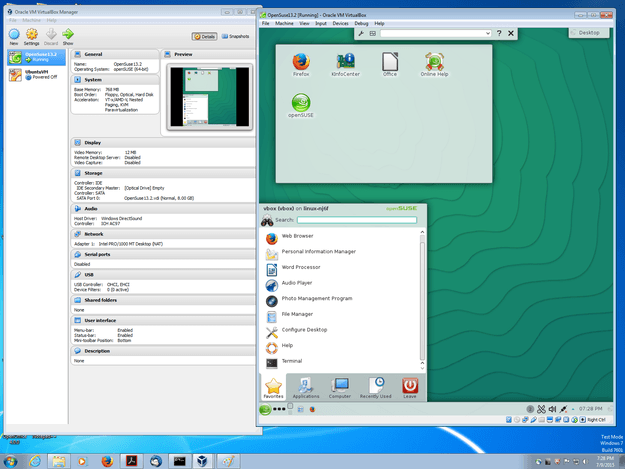
Virtual Box

https://www.virtualbox.org/

VirtualBox is a powerful x86 and AMD64/Intel64 virtualization product for enterprise as well as home use. Not only is VirtualBox an extremely feature rich, high performance product for enterprise customers, it is also the only professional solution that is freely available as Open Source Software 


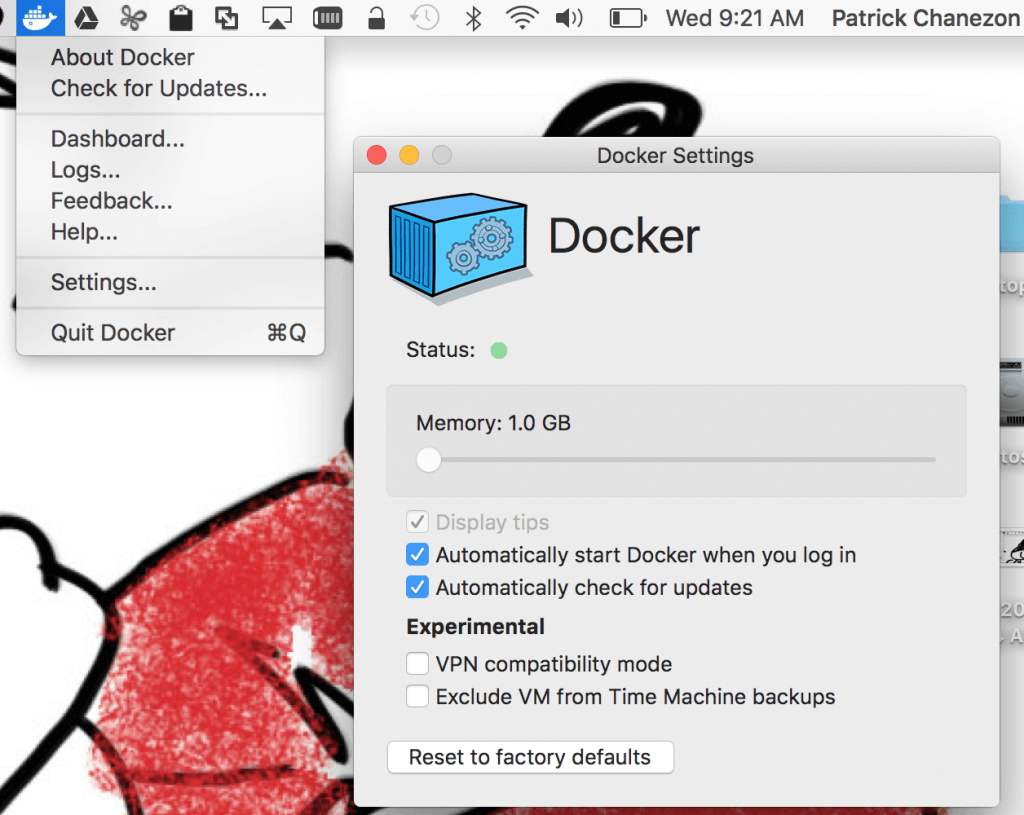
Docker

https://www.docker.com/products/docker-desktop

Docker helps developers bring their ideas to life by conquering the complexity of app development. We simplify and accelerate development workflows with an integrated dev pipeline and through the consolidation of application components. Actively used by millions of developers around the world.


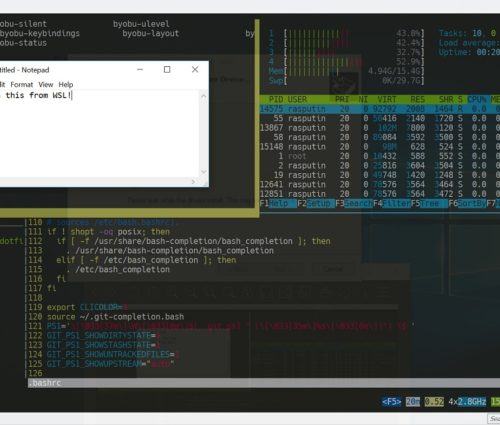
WSL

https://docs.microsoft.com/en-us/windows/wsl/install-win10

The Windows Subsystem for Linux lets developers run a GNU/Linux environment -- including most command-line tools, utilities, and applications -- directly on Windows, unmodified, without the overhead of a traditional virtual machine or dualboot setup.


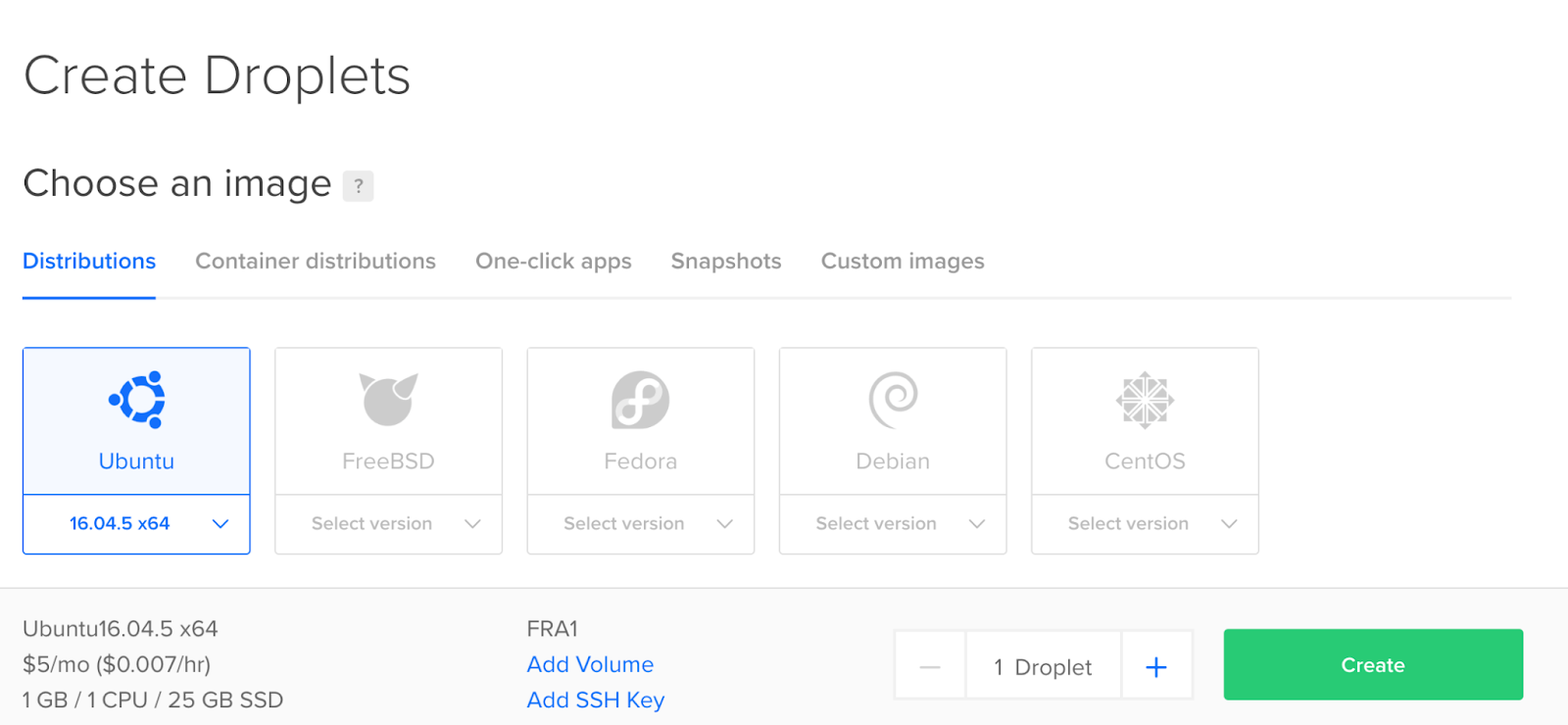
Cloud Droplets

https://www.digitalocean.com/products/droplets/

Easy, fast, and flexible compute

Spin up your choice of virtual machine in just 55 seconds. Basic, General Purpose, CPU-Optimized, or Memory-Optimized configurations provide flexibility to build, test, and grow your app from startup to scale.


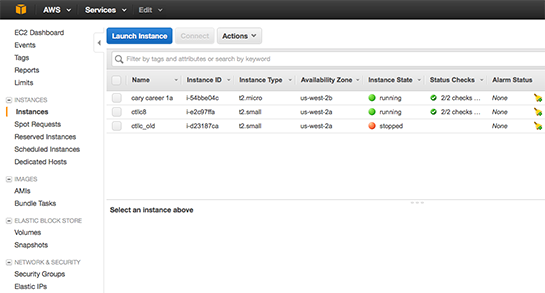
Cloud EC2

https://aws.amazon.com/ec2/

Amazon Elastic Compute Cloud (Amazon EC2) is a web service that provides secure, resizable compute capacity in the cloud. It is designed to make web-scale cloud computing easier for developers. Amazon EC2’s simple web service interface allows you to obtain and configure capacity with minimal friction. It provides you with complete control of your computing resources and lets you run on Amazon’s proven computing environment.


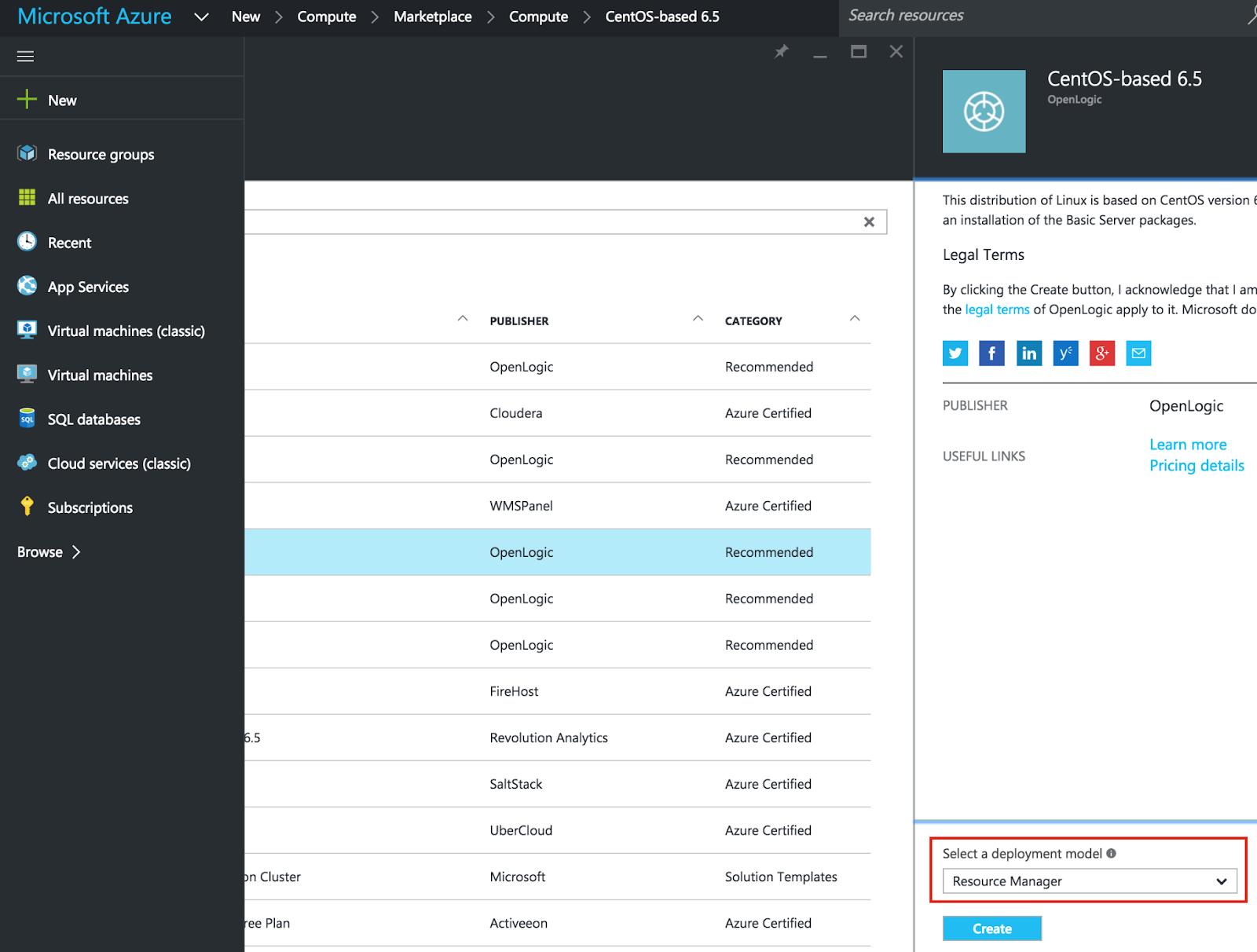
Cloud Virtual

https://azure.microsoft.com/en-us/overview/linux-on-azure/red-hat/

Deploy secure, reliable, flexible hybrid cloud environments using Red Hat solutions on Azure—a fully comprehensive cloud for open source architectures


-End of Document-
Thanks for reading

Monday, October 11, 2021

Windows Development Software - Image Editor

This is a series of posts which will list some useful apps for development and general usage of Windows. These are just some examples of what can be useful. Of course, use any app you already know or have.

image editor:

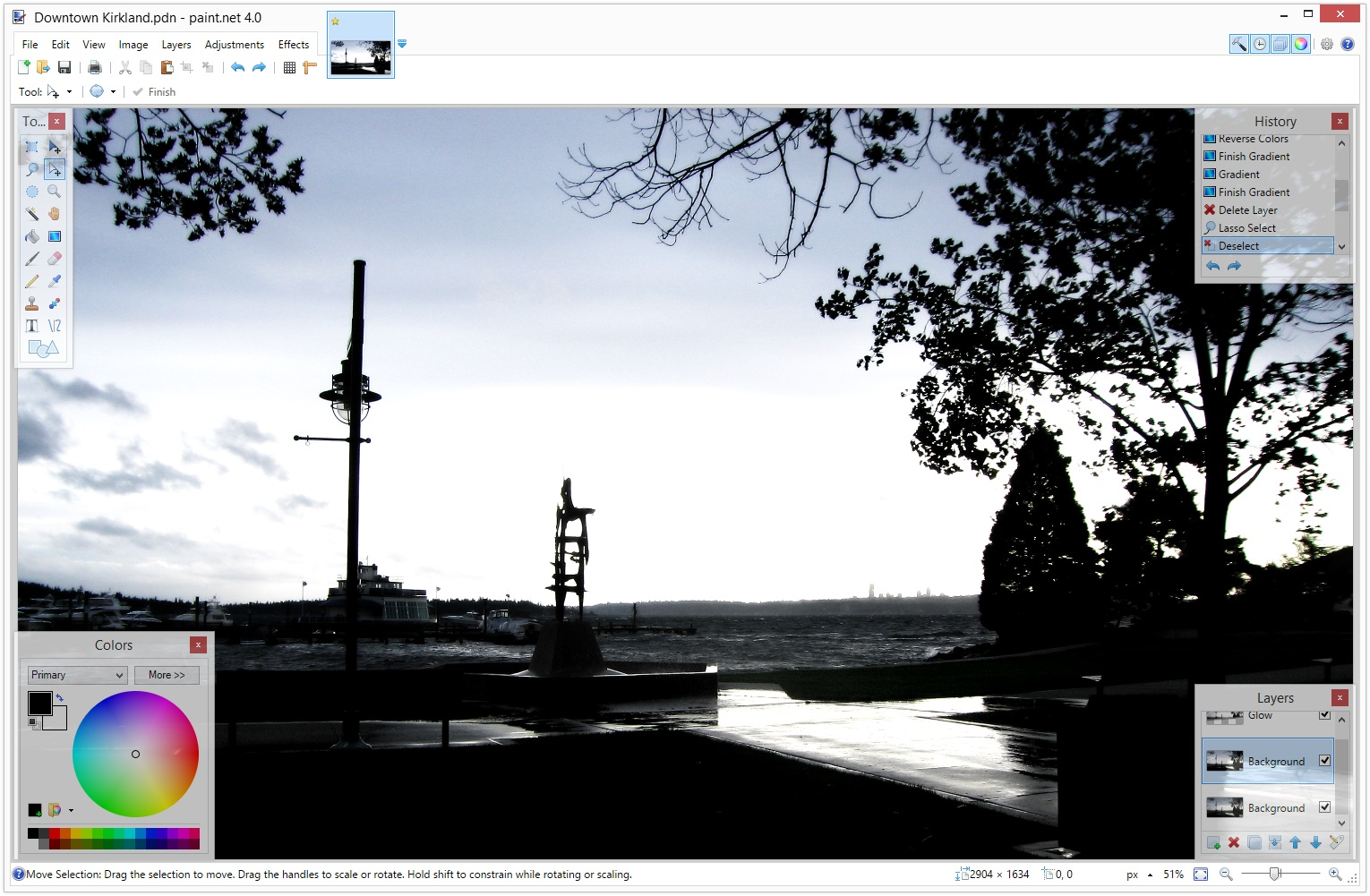
Paint.Net

https://www.getpaint.net/

Paint.NET is image and photo editing software. It features an intuitive and innovative user interface with support for layers, unlimited undo, special effects, and a wide variety of useful and powerful tools.


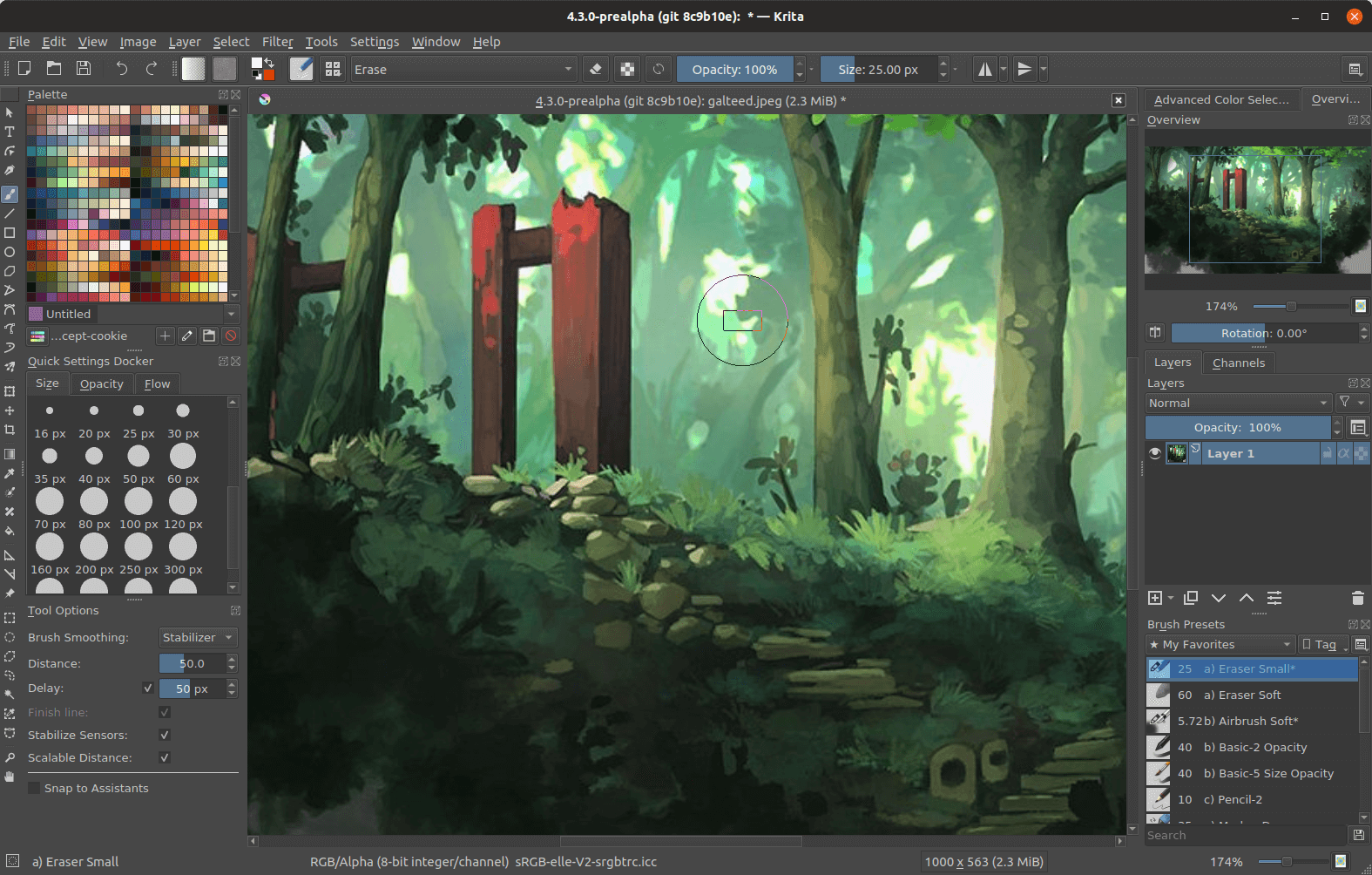
Krita

https://krita.org/en/

Krita is a professional FREE and open source painting program. It is made by artists that want to see affordable art tools for everyone.


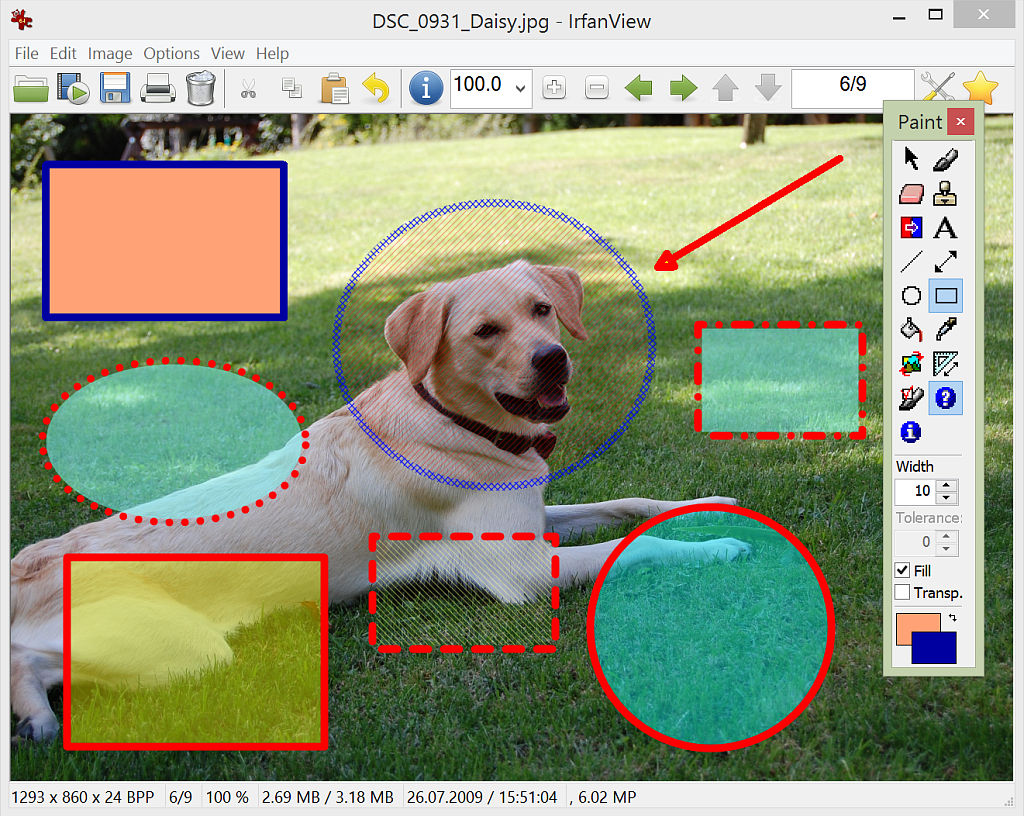
IrfanView

https://www.irfanview.com/

It is designed to be simple for beginners and powerful for professionals.

IrfanView seeks to create unique, new and interesting features, unlike some other graphic viewers, whose whole "creativity" is based on feature cloning, stealing of ideas and whole dialogs from ACDSee and/or IrfanView! (for example: XnView has been stealing/cloning features and whole dialogs from IrfanView, for 10+ years).

IrfanView was the first Windows graphic viewer worldwide with Multiple (animated) GIF support. One of the first graphic viewers worldwide with Multipage TIF support. The first graphic viewer worldwide with Multiple ICO support.


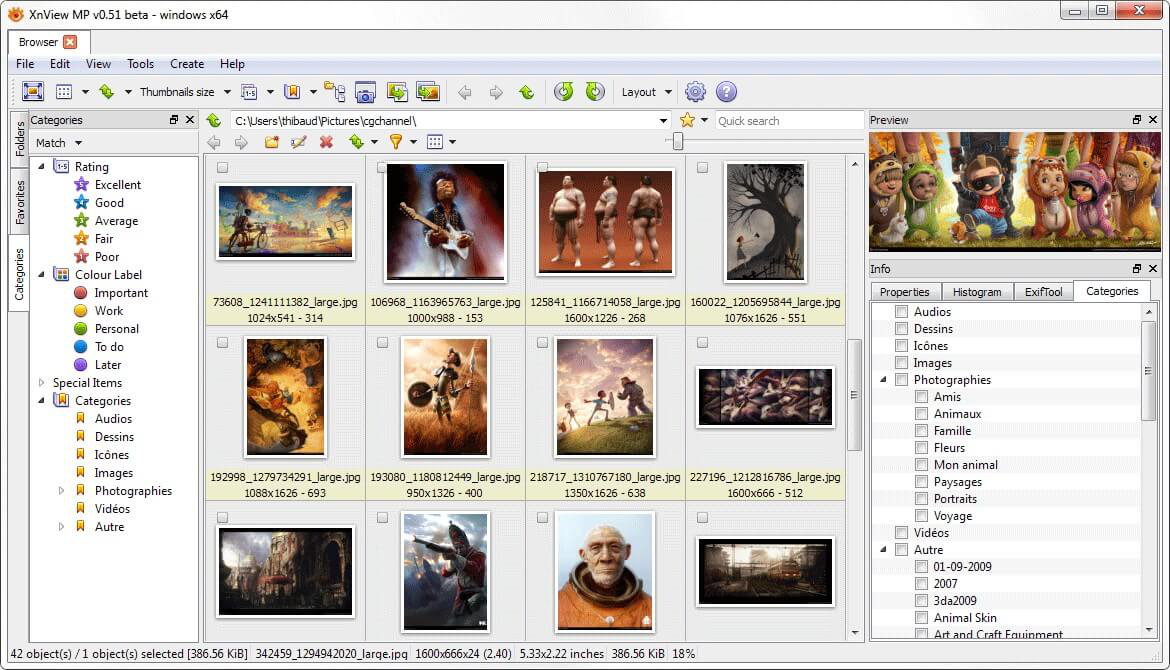
XNViewMP

https://www.xnview.com/en/xnviewmp/

XnView MP is a versatile and powerful photo viewer, image management, image resizer. XnView is one of the most stable, easy-to-use, and comprehensive photo editors. All common picture and graphics formats are supported (JPEG, TIFF, PNG, GIF, WEBP, PSD, JPEG2000, OpenEXR, camera RAW, HEIC, PDF, DNG, CR2).


-End of Document-
Thanks for reading