Monday, October 25, 2021

Windows Development Software - Local Dev Env

This is a series of posts which will list some useful apps for development and general usage of Windows. These are just some examples of what can be useful. Of course, use any app you already know or have.

local dev env:

Laragon

https://github.com/leokhoa/laragon

Laragon is a portable, isolated, fast & powerful universal development environment for PHP, Node.js, Python, Java, Go, Ruby. It is fast, lightweight, easy-to-use and easy-to-extend.


XAMPP

https://www.apachefriends.org/

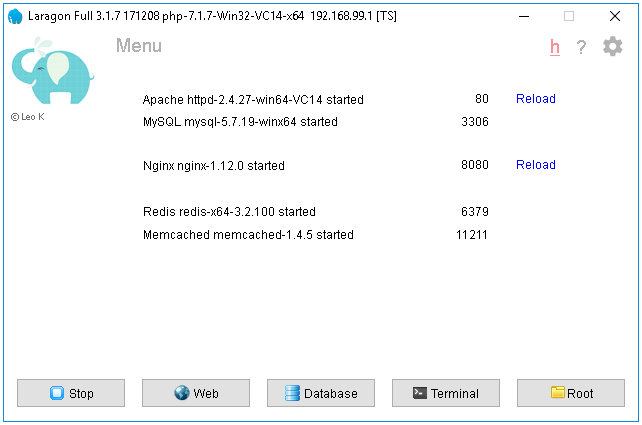
XAMPP is a completely free, easy to install Apache distribution containing MariaDB, PHP, and Perl. The XAMPP open source package has been set up to be incredibly easy to install and to use.

Ampps

https://ampps.com/

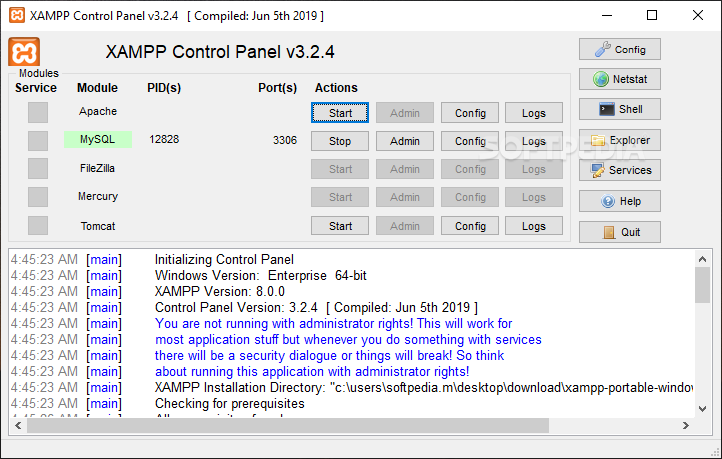
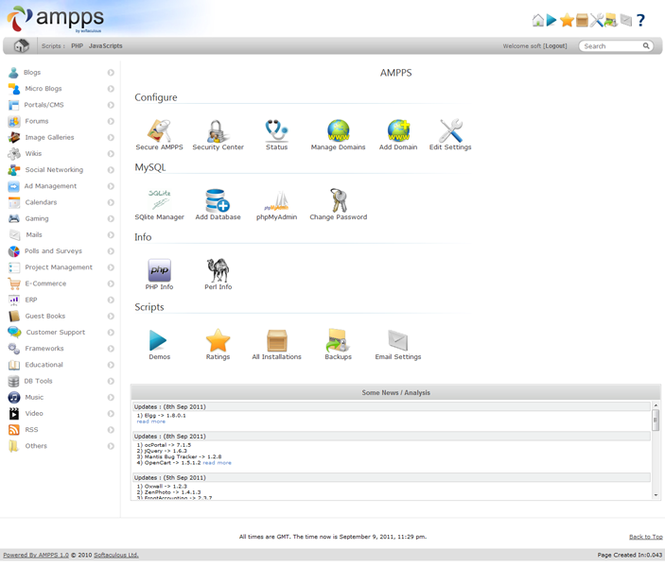
AMPPS is a WAMP, MAMP and LAMP stack of Apache, MySQL, MongoDB, PHP, Perl & Python. With AMPPS you can create a website by installing any of the 419 Apps, customizing it, and then simply publishing it on the internet via a wide choice of hosting service providers.


Virtual Box

https://www.virtualbox.org/

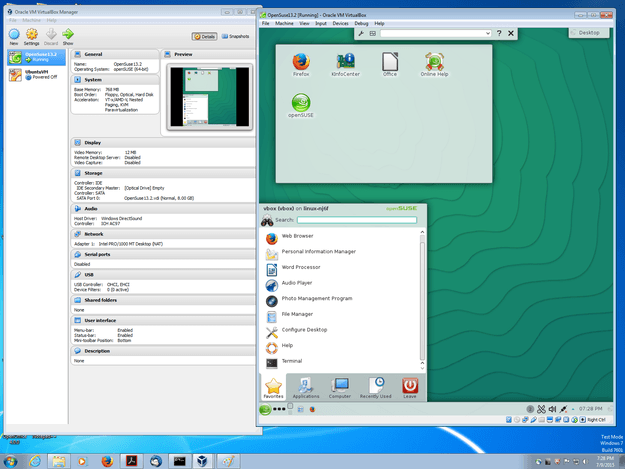
VirtualBox is a powerful x86 and AMD64/Intel64 virtualization product for enterprise as well as home use. Not only is VirtualBox an extremely feature rich, high performance product for enterprise customers, it is also the only professional solution that is freely available as Open Source Software 


Docker

https://www.docker.com/products/docker-desktop

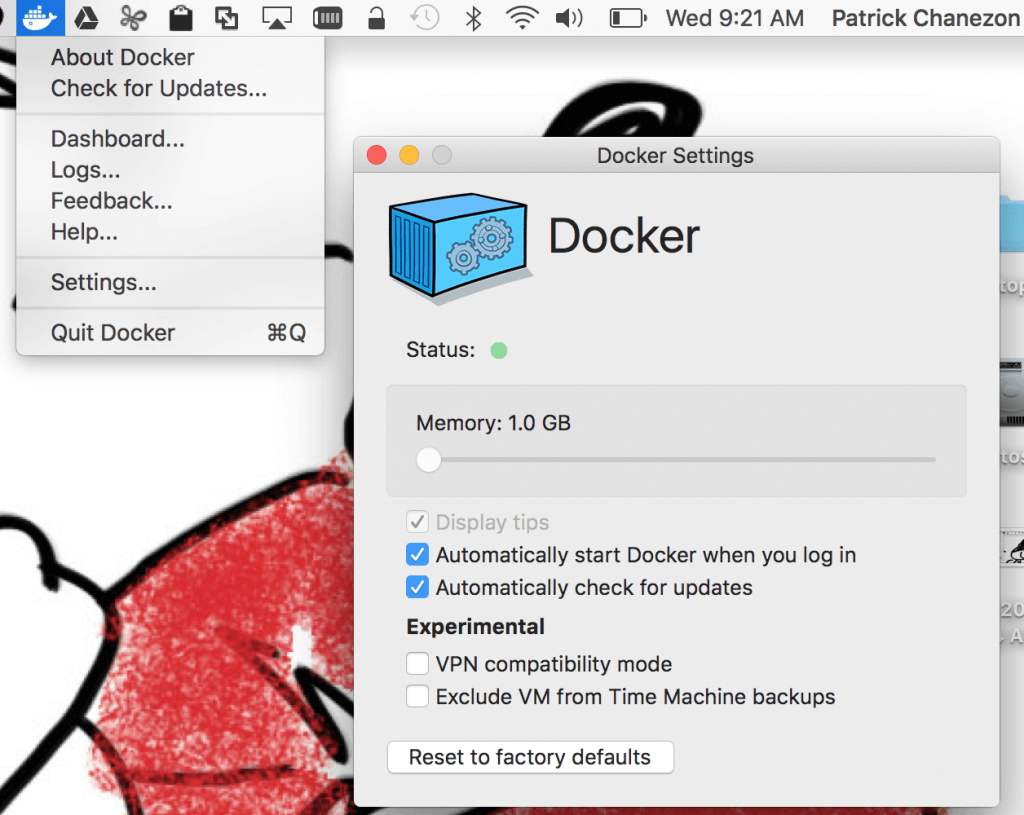
Docker helps developers bring their ideas to life by conquering the complexity of app development. We simplify and accelerate development workflows with an integrated dev pipeline and through the consolidation of application components. Actively used by millions of developers around the world.


WSL

https://docs.microsoft.com/en-us/windows/wsl/install-win10

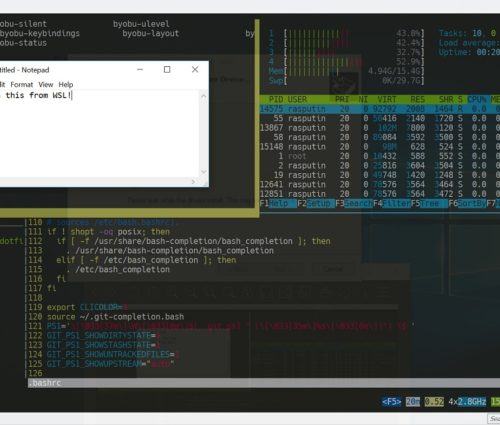
The Windows Subsystem for Linux lets developers run a GNU/Linux environment -- including most command-line tools, utilities, and applications -- directly on Windows, unmodified, without the overhead of a traditional virtual machine or dualboot setup.


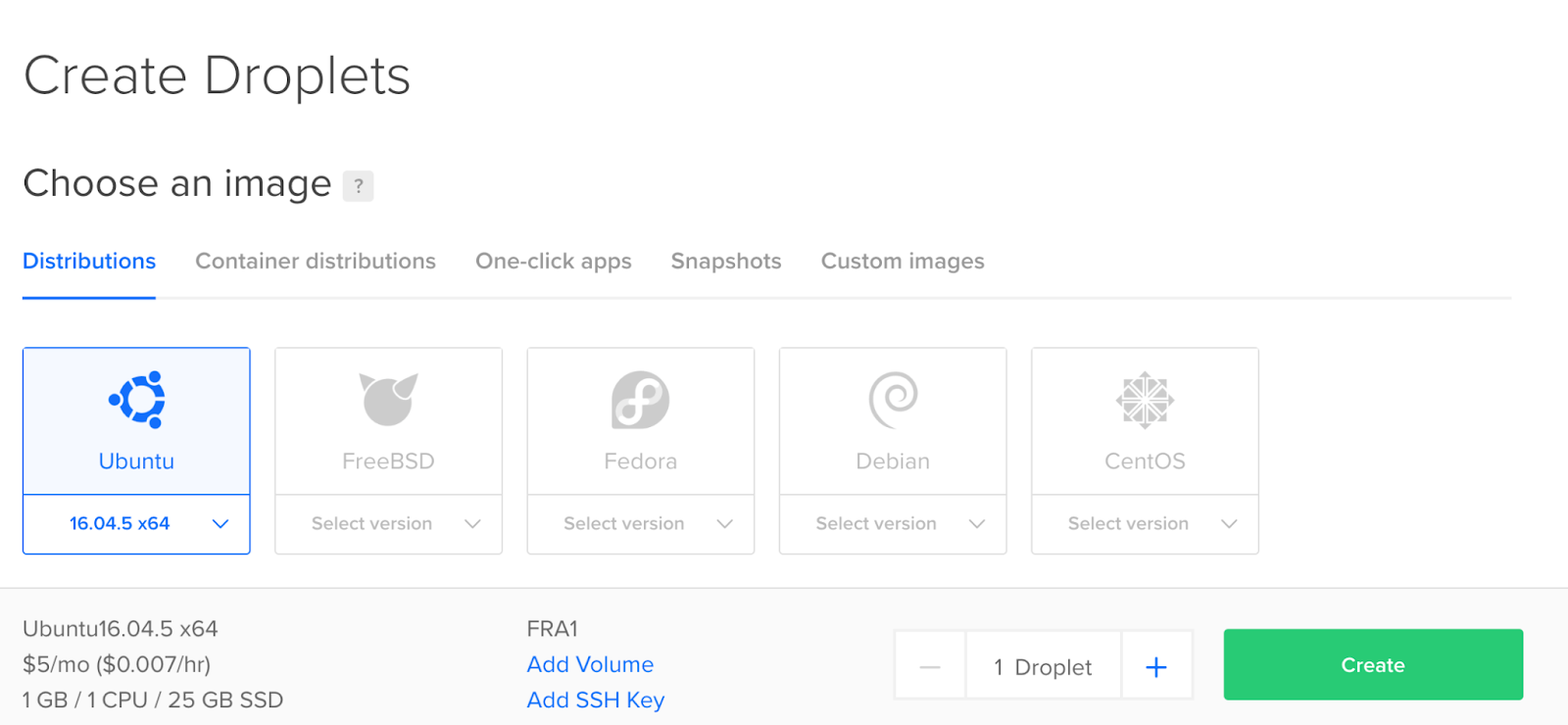
Cloud Droplets

https://www.digitalocean.com/products/droplets/

Easy, fast, and flexible compute

Spin up your choice of virtual machine in just 55 seconds. Basic, General Purpose, CPU-Optimized, or Memory-Optimized configurations provide flexibility to build, test, and grow your app from startup to scale.

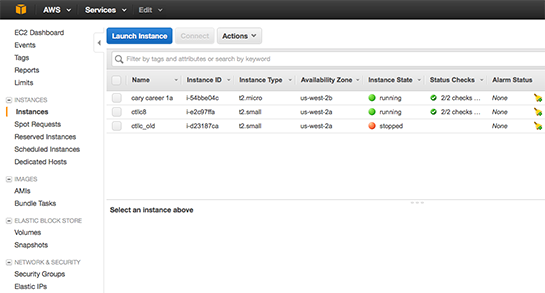
Cloud EC2

https://aws.amazon.com/ec2/

Amazon Elastic Compute Cloud (Amazon EC2) is a web service that provides secure, resizable compute capacity in the cloud. It is designed to make web-scale cloud computing easier for developers. Amazon EC2’s simple web service interface allows you to obtain and configure capacity with minimal friction. It provides you with complete control of your computing resources and lets you run on Amazon’s proven computing environment.


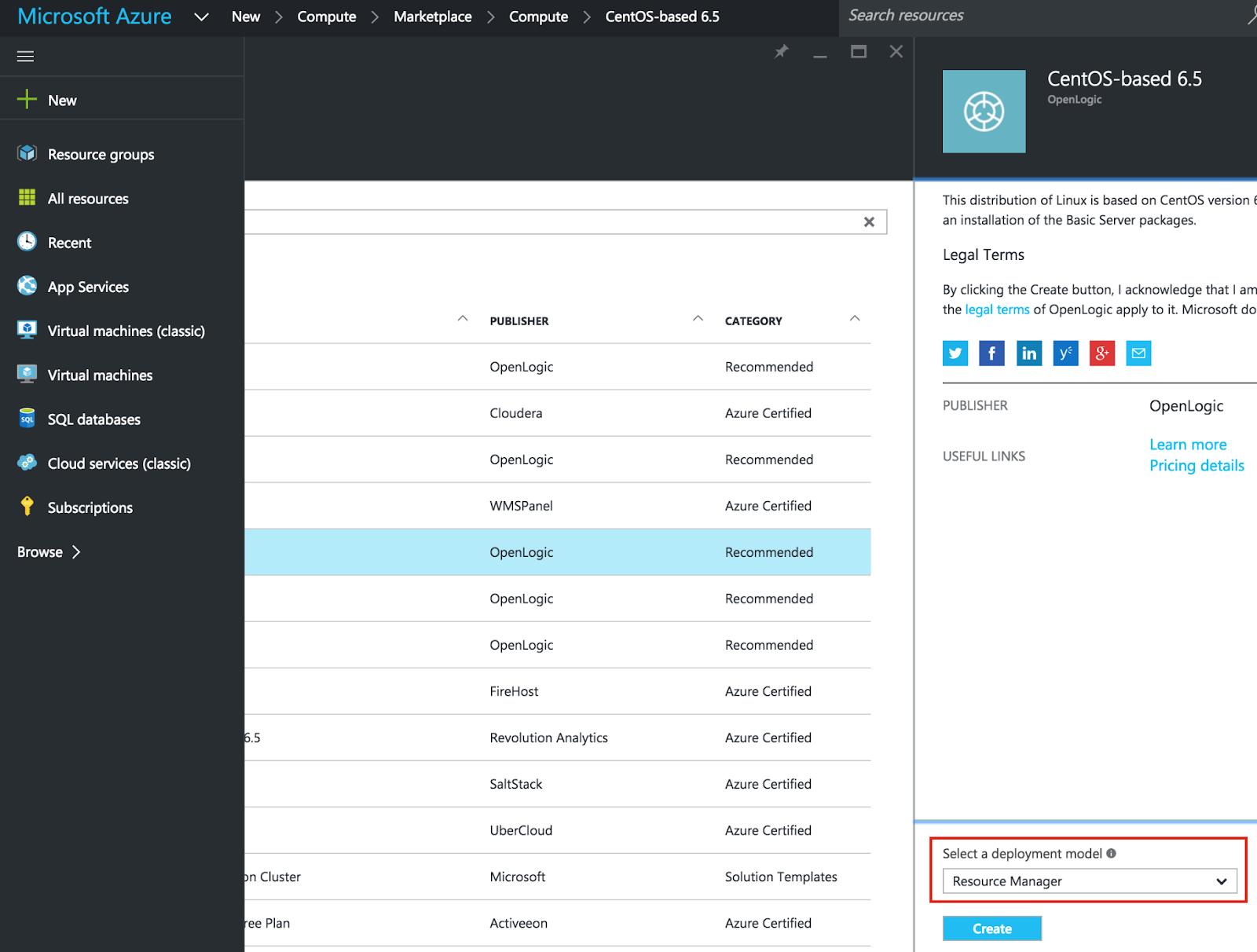
Cloud Virtual

https://azure.microsoft.com/en-us/overview/linux-on-azure/red-hat/

Deploy secure, reliable, flexible hybrid cloud environments using Red Hat solutions on Azure—a fully comprehensive cloud for open source architectures

-End of Document-
Thanks for reading

Monday, October 11, 2021

Windows Development Software - Image Editor

This is a series of posts which will list some useful apps for development and general usage of Windows. These are just some examples of what can be useful. Of course, use any app you already know or have.

image editor:

Paint.Net

https://www.getpaint.net/

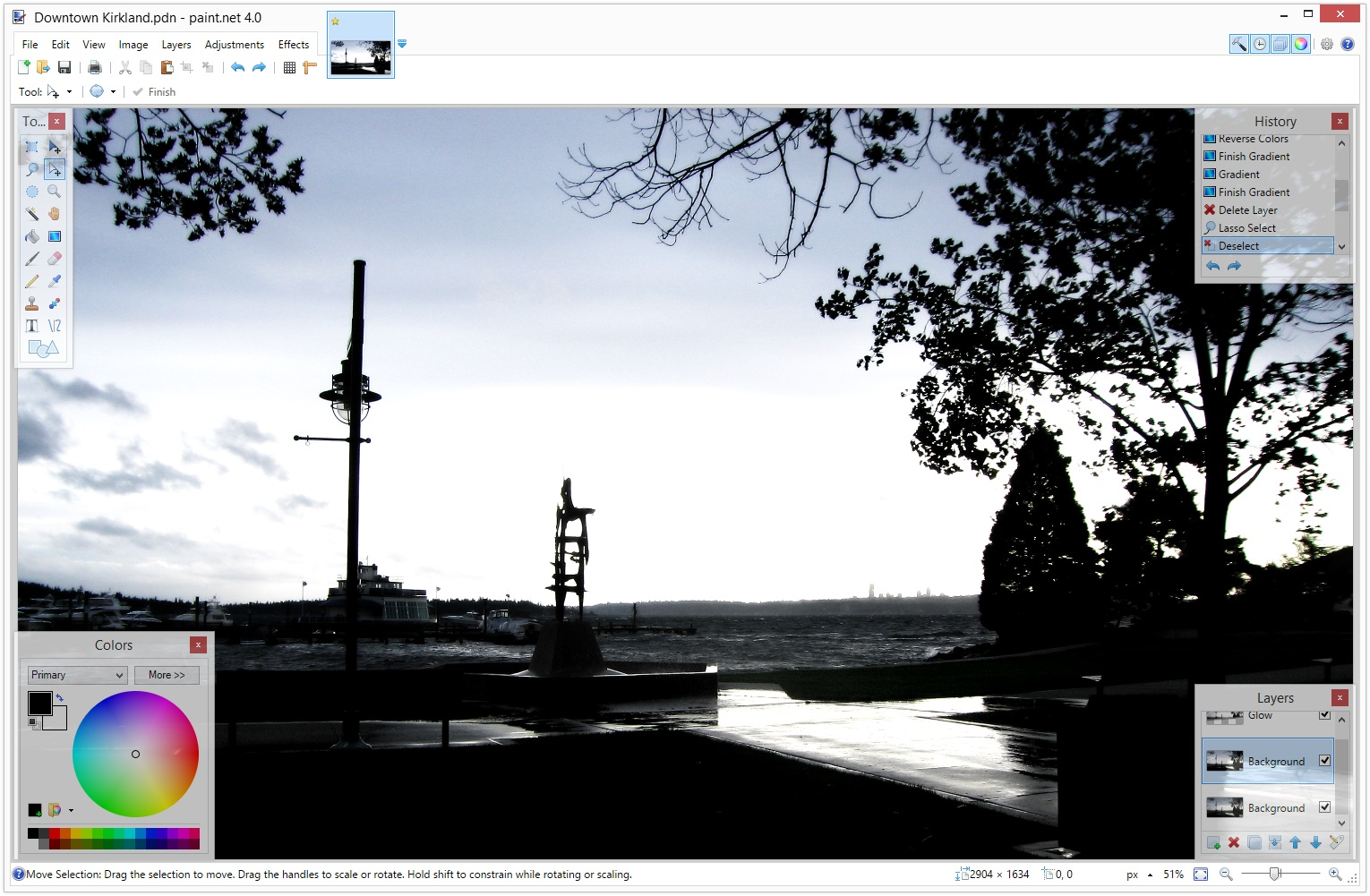
Paint.NET is image and photo editing software. It features an intuitive and innovative user interface with support for layers, unlimited undo, special effects, and a wide variety of useful and powerful tools.


Krita

https://krita.org/en/

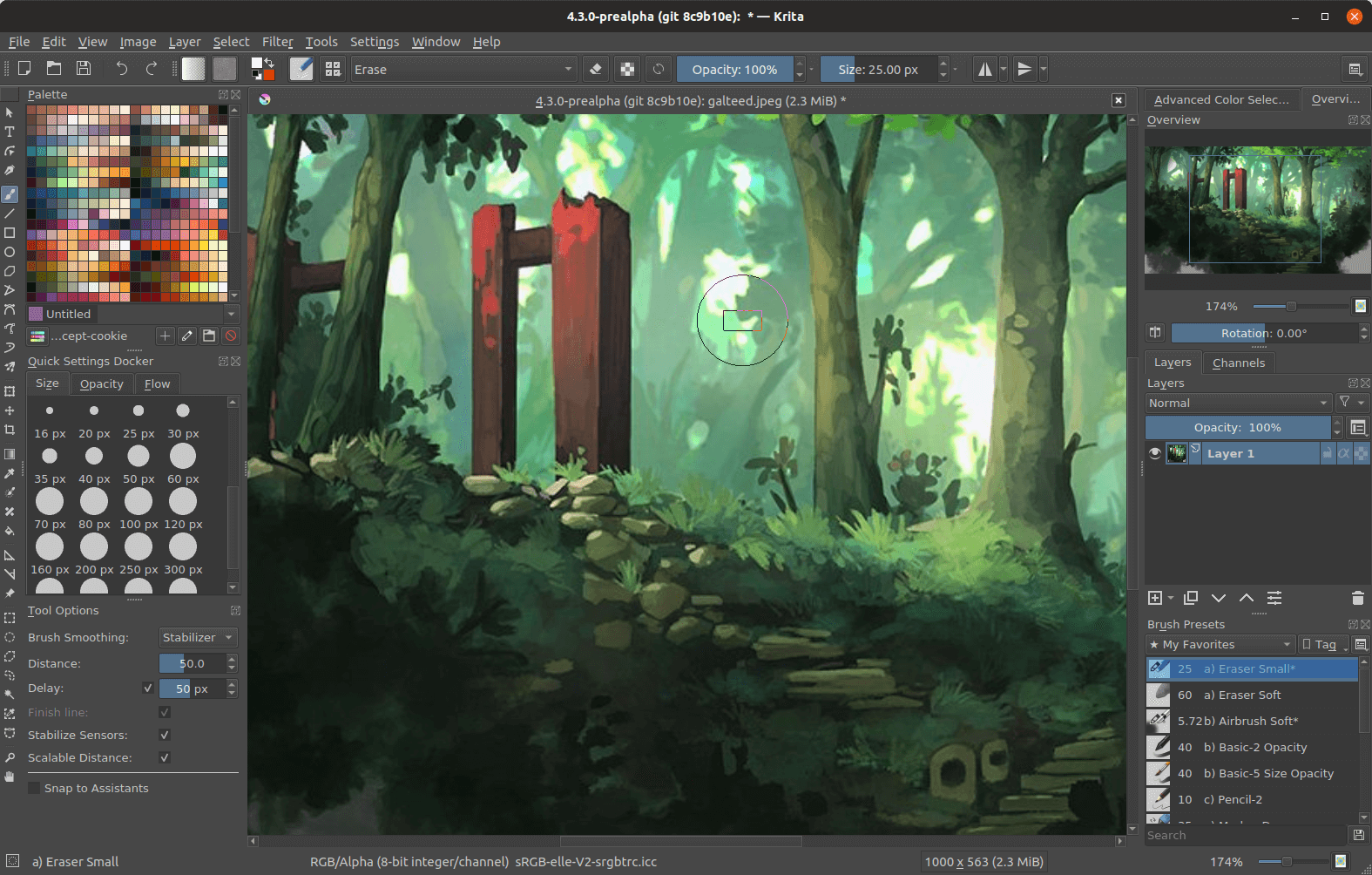
Krita is a professional FREE and open source painting program. It is made by artists that want to see affordable art tools for everyone.


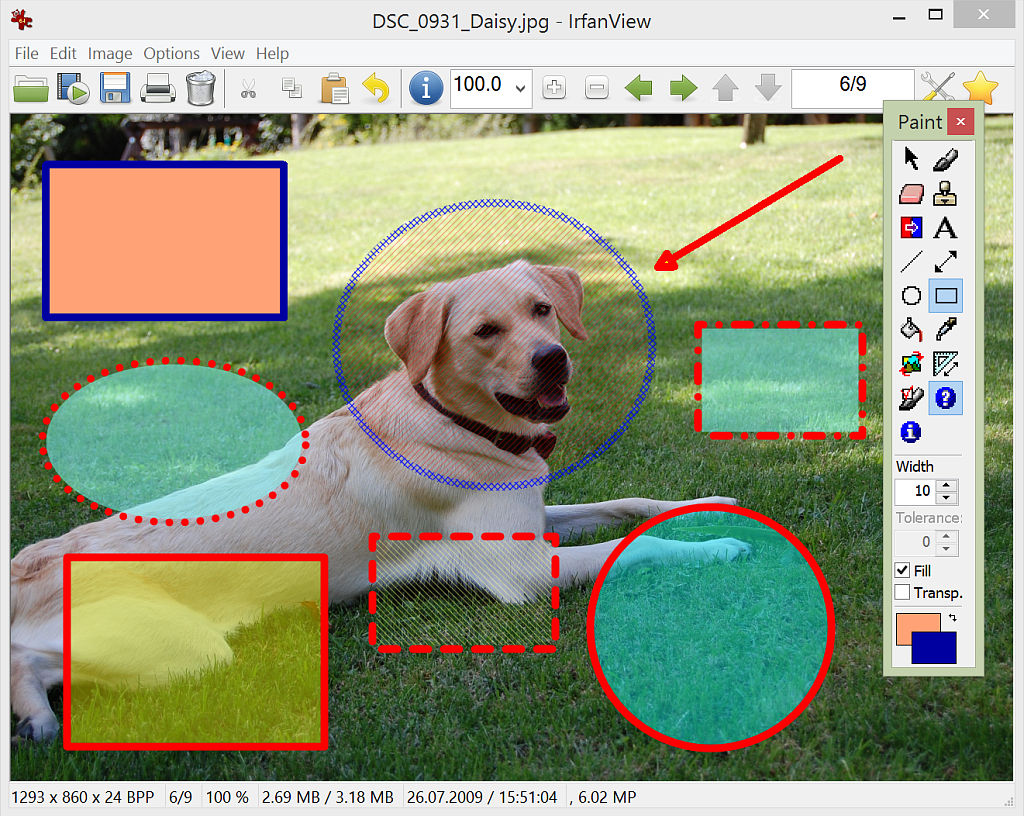
IrfanView

https://www.irfanview.com/

It is designed to be simple for beginners and powerful for professionals.

IrfanView seeks to create unique, new and interesting features, unlike some other graphic viewers, whose whole "creativity" is based on feature cloning, stealing of ideas and whole dialogs from ACDSee and/or IrfanView! (for example: XnView has been stealing/cloning features and whole dialogs from IrfanView, for 10+ years).

IrfanView was the first Windows graphic viewer worldwide with Multiple (animated) GIF support. One of the first graphic viewers worldwide with Multipage TIF support. The first graphic viewer worldwide with Multiple ICO support.


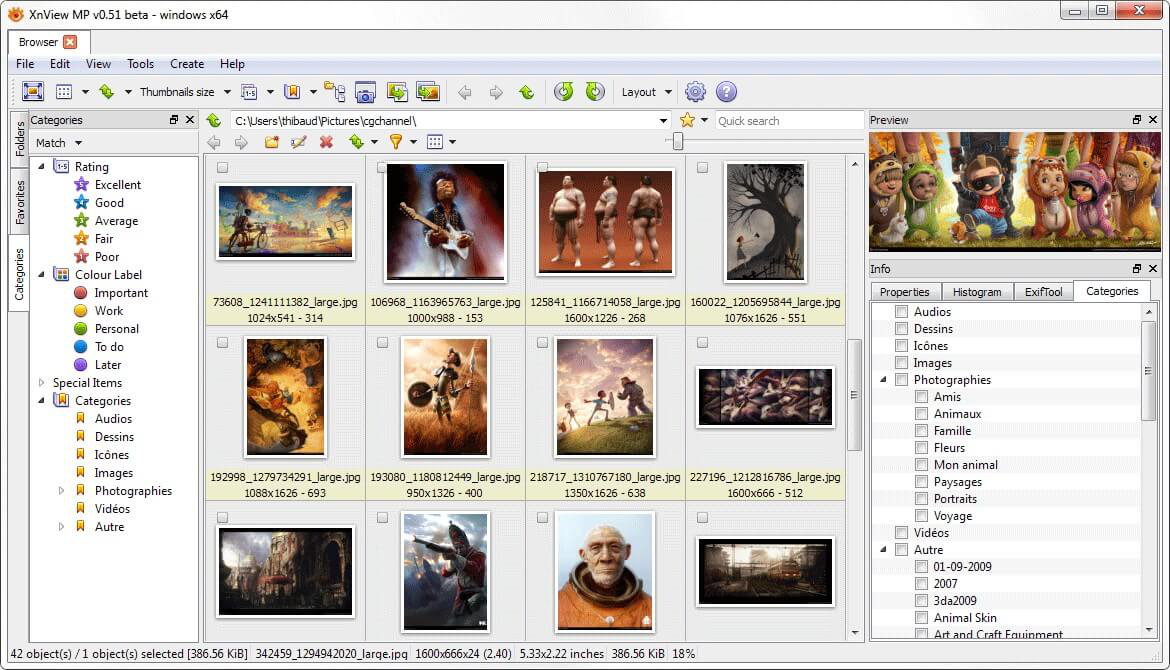
XNViewMP

https://www.xnview.com/en/xnviewmp/

XnView MP is a versatile and powerful photo viewer, image management, image resizer. XnView is one of the most stable, easy-to-use, and comprehensive photo editors. All common picture and graphics formats are supported (JPEG, TIFF, PNG, GIF, WEBP, PSD, JPEG2000, OpenEXR, camera RAW, HEIC, PDF, DNG, CR2).


-End of Document-
Thanks for reading

Monday, September 27, 2021

Windows Development Software - SFTP

This is a series of posts which will list some useful apps for development and general usage of Windows. These are just some examples of what can be useful. Of course, use any app you already know or have.

sftp:

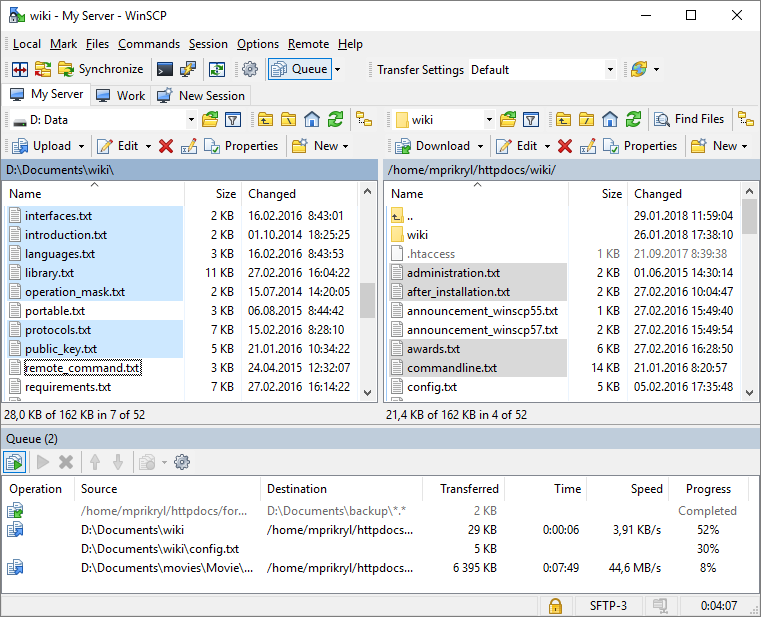
WinSCP 

http://winscp.net/eng/

WinSCP is an open source free SFTP client, FTP client, WebDAV client, S3 client and SCP client for Windows. Its main function is file transfer between a local and a remote computer. Beyond this, WinSCP offers scripting and basic file manager functionality.


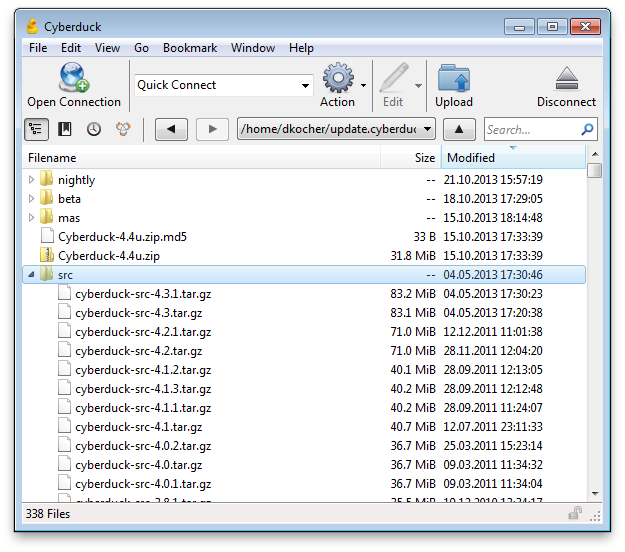
Cyberduck
https://cyberduck.io/
Cyberduck is a libre server and cloud storage browser for Mac and Windows


MobaXterm

https://mobaxterm.mobatek.net/
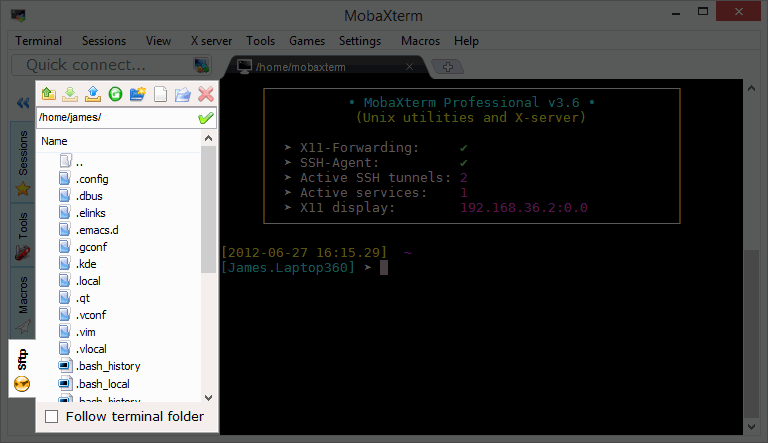
When you log to a remote server using SSH, a graphical SFTP browser pops up on in the left sidebar. It allows you to drag and drop files directly from/to the remote server using a secure SFTP connection


-End of Document-
Thanks for reading

Monday, September 13, 2021

Windows Development Software - Git

This is a series of posts which will list some useful apps for development and general usage of Windows. These are just some examples of what can be useful. Of course, use any app you already know or have.

Git:

IntelliJ IDEA Git
https://www.jetbrains.com/idea/features/

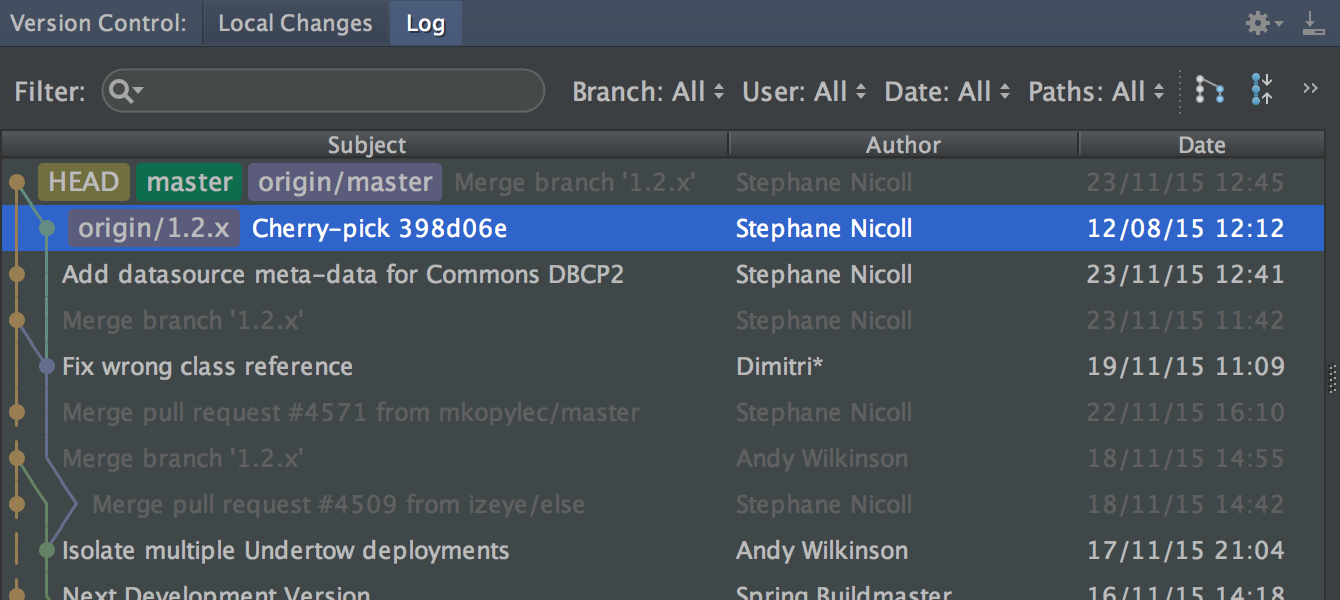
IntelliJ IDEA provides a unified interface for major version control systems


Tower
https://www.git-tower.com/windows

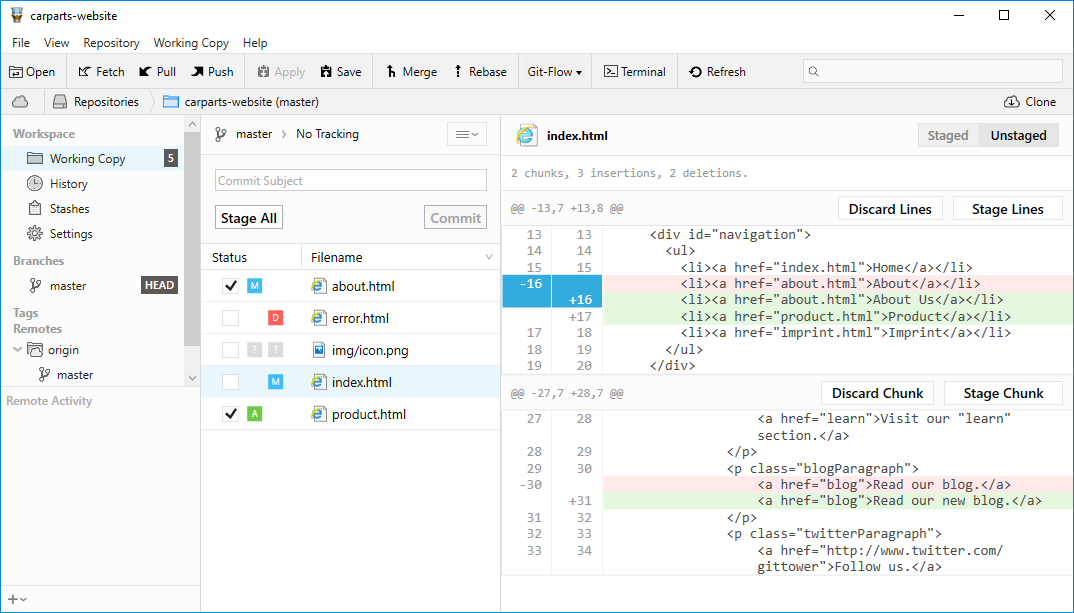
Use all of Git's powerful feature set - in a GUI that makes you more productive


Git for Windows

https://gitforwindows.org/ aka https://git-scm.com/ eg command line

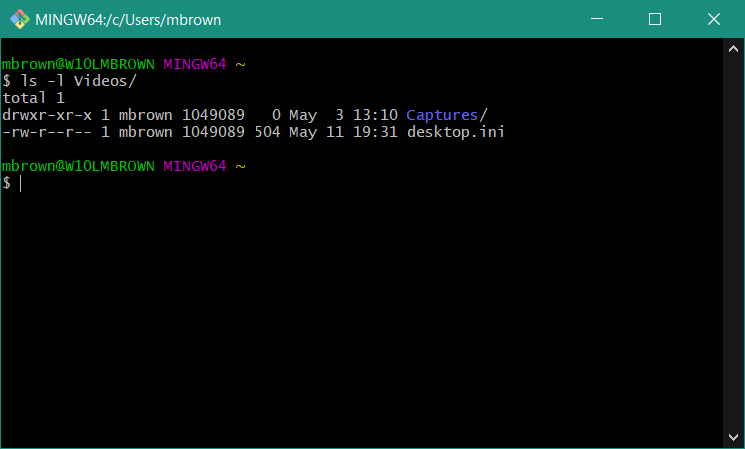
Git for Windows command line client


TortoiseGit
https://tortoisegit.org/

TortoiseGit provides overlay icons showing the file status, a powerful context menu for Git and much more


Git Extensions

https://gitextensions.github.io/

Git Extensions is a standalone UI tool for managing Git repositories


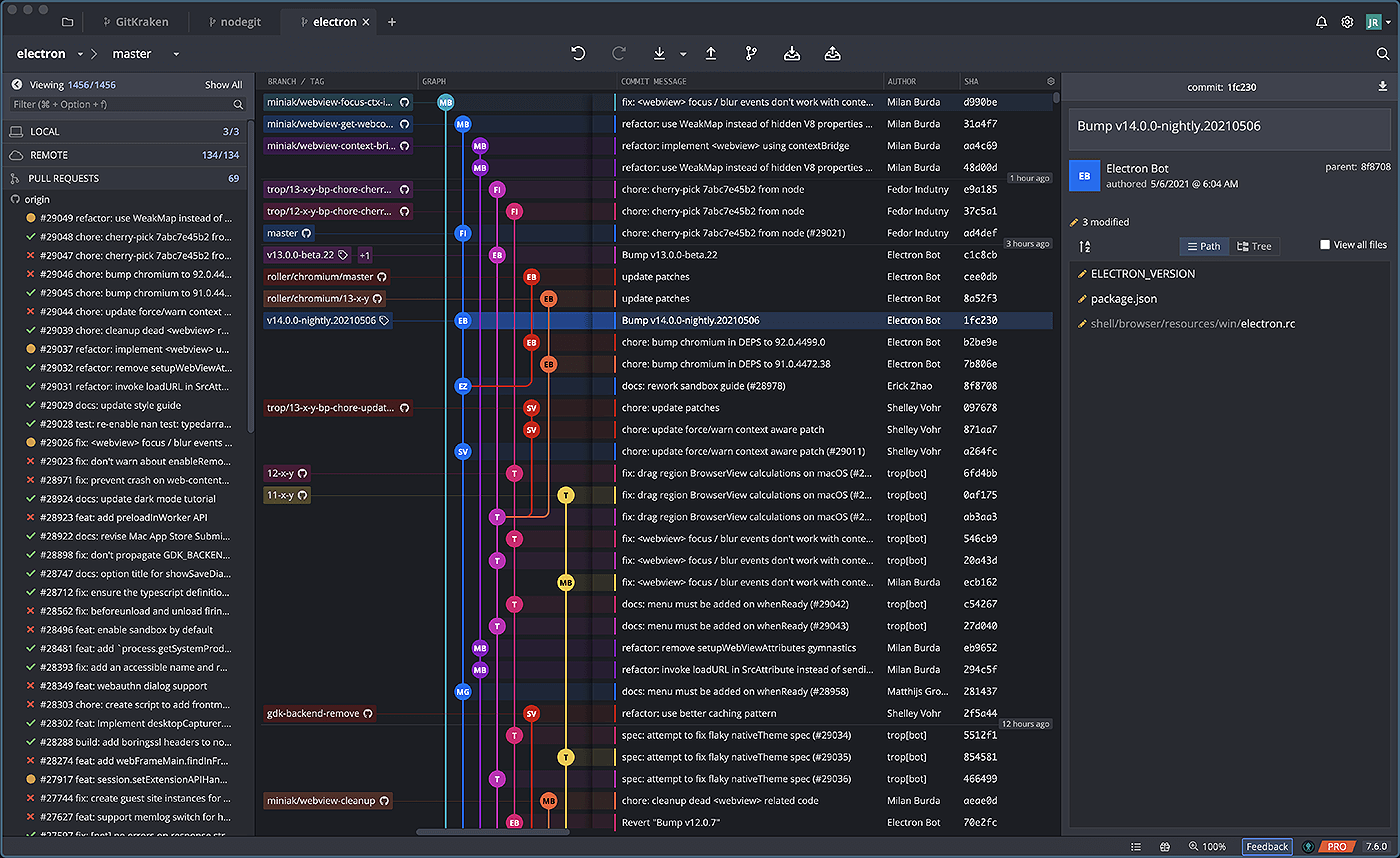
GitKraken

https://www.gitkraken.com/

Unleash GitKraken! This intuitive Git GUI simplifies and streamlines Git processes


GitHub Desktop
https://desktop.github.com/

GitHub Desktop simplifies your development workflow


-End of Document-
Thanks for reading


Monday, August 30, 2021

Windows Development Software - Terminal

This is a series of posts which will list some useful apps for development and general usage of Windows. These are just some examples of what can be useful. Of course, use any app you already know or have.

windows terminal:

Cmder

https://cmder.net/

Portable console emulator for Windows


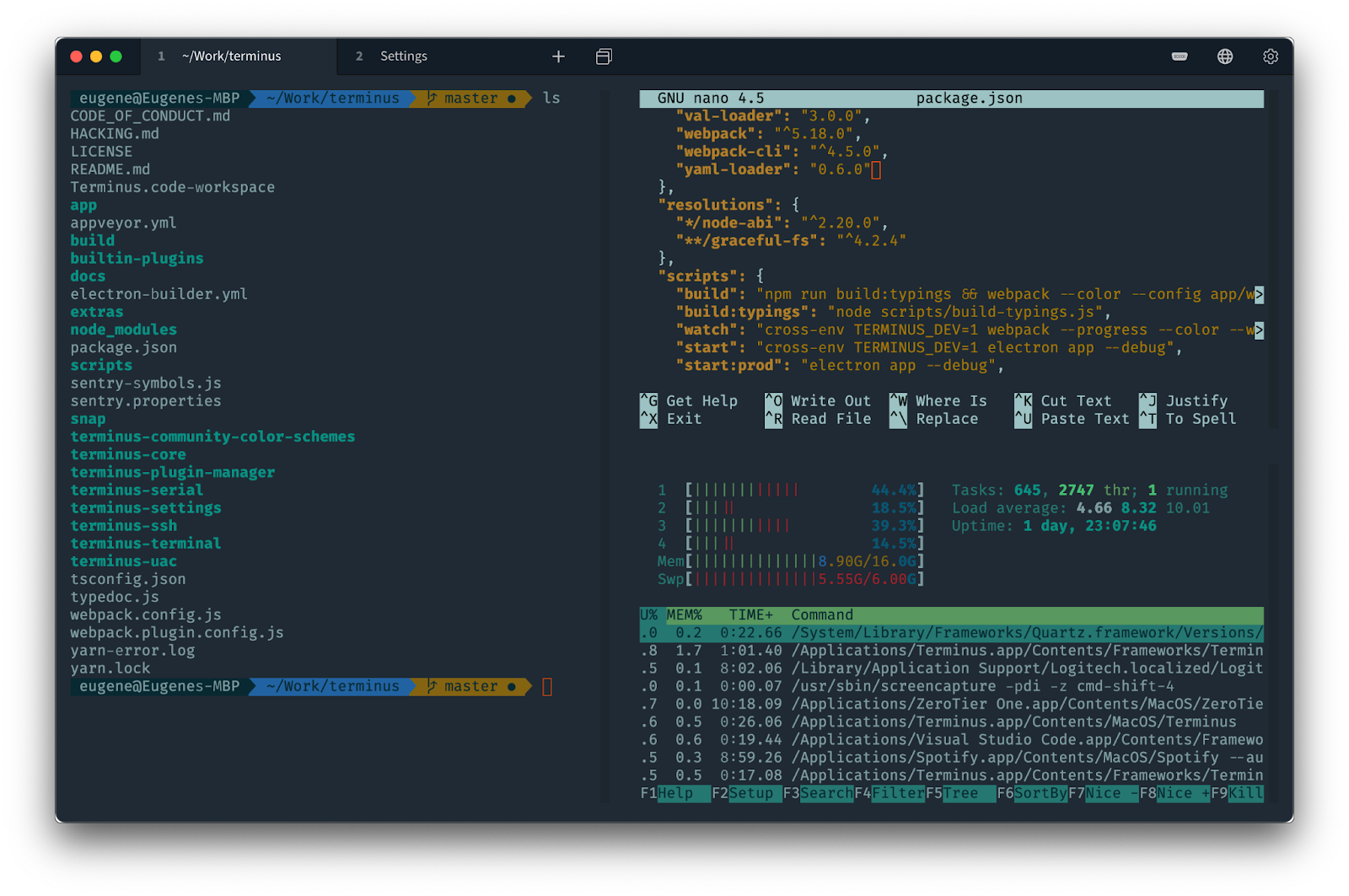
Terminus 

https://github.com/Eugeny/terminus

deprecated, replaced with Tabby


Tabby

https://github.com/Eugeny/tabby

Tabby is a highly configurable terminal emulator, SSH and serial client for Windows, macOS and Linux for the modern age


Git for Windows

https://git-scm.com/

Git for Windows includes a bash client


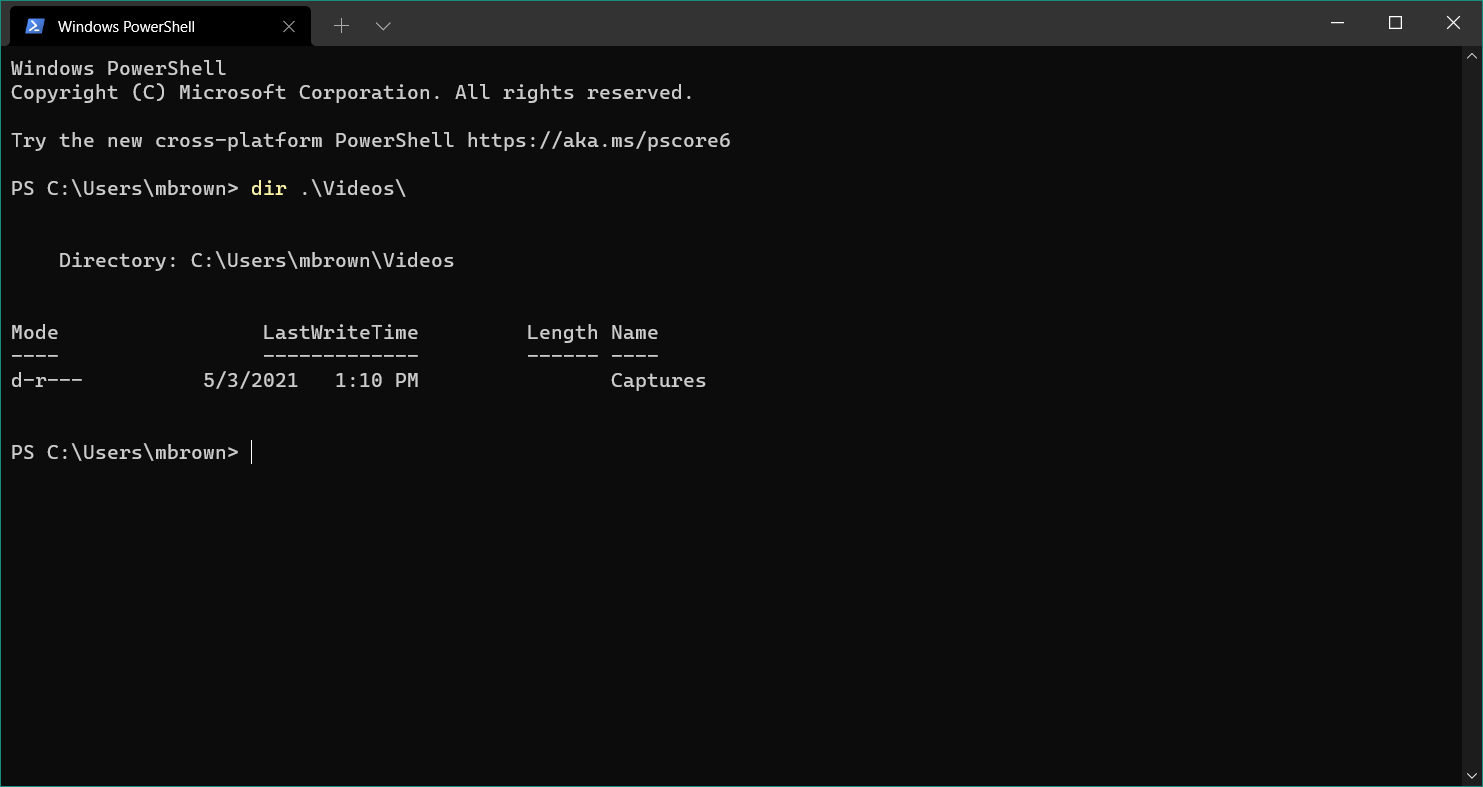
Windows Terminal
https://www.microsoft.com/en-us/p/windows-terminal/9n0dx20hk701

Windows Terminal is a modern, fast, efficient, powerful, and productive terminal application for users of command-line tools and shells like Command Prompt, PowerShell, and WSL. 


-End of Document-
Thanks for reading


Monday, August 16, 2021

Windows Development Software - SSH

This is a series of posts which will list some useful apps for development and general usage of Windows.  These are just some examples of what can be useful.  Of course, use any app you already know or have.  

ssh terminal:

mRemoteNG

http://www.mremoteng.org/

an open source, tabbed, multi-protocol, remote connections manager for Windows


PuTTY

http://www.chiark.greenend.org.uk/~sgtatham/putty/

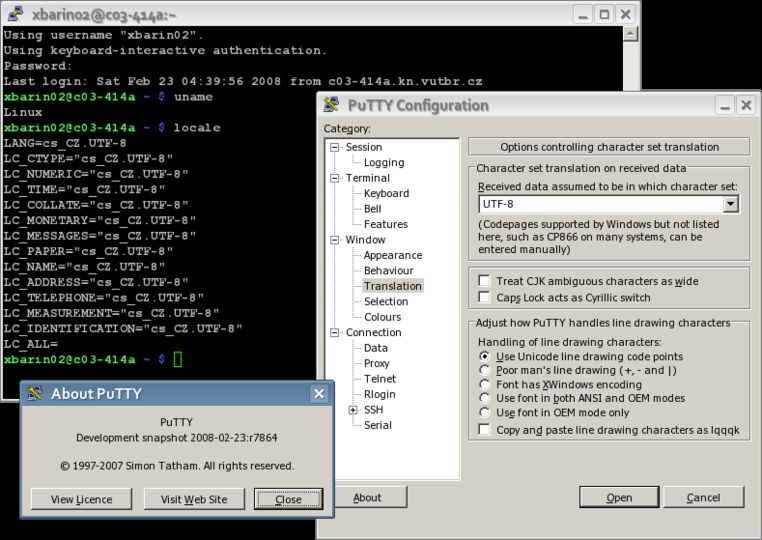
PuTTY is a free implementation of SSH and Telnet for Windows and Unix platforms, along with an xterm terminal emulator.


MobaXterm

https://mobaxterm.mobatek.net/

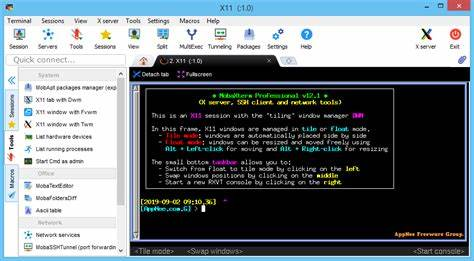
Enhanced terminal for Windows with X11 server, tabbed SSH client, network tools and much more


Terminus 

https://github.com/Eugeny/terminus

deprecated, replaced with Tabby


Tabby

https://github.com/Eugeny/tabby

Tabby is a highly configurable terminal emulator, SSH and serial client for Windows, macOS and Linux for the modern age


-End of Document-
Thanks for reading

Monday, July 19, 2021

Git Hooks

Git hooks are shell scripts that run automatically before or after Git executes an important command like Commit or Push.  They can be used to enforce conventions around git actions, such as branch names and commit messages.

Git hooks reside in .git/hooks. To enable a hook, just remove the .sample extension

Git HookGit CommandDescription
applypatch-msg.samplegit amWhen a patch message is changed
commit-msg.samplegit commitTo set the message of a commit action
fsmonitor-watchman.samplelaunch watchmanTo integrate watchman
post-update.samplegit pushBy updating all data after the push
pre-applypatch.samplegit amBefore applying a patch
pre-commit.samplegit commitBefore committing
prepare-commit-msg.samplegit commitWhen a commit message is set
pre-push.samplegit pushBefore making a push
pre-rebase.samplegit rebaseBefore making a pass or merge
pre-receive.samplegit pushWhen we push and get the data from the remote repository
update.samplegit pushBy updating the remote data in a push

Reference: https://www.hostinger.com/tutorials/how-to-use-git-hooks/


While the directory .git/hooks is not version controlled, you can update your git hooks location to a versioned directory, such as .githooks

> git config core.hooksPath ./.githooks

Note: IntelliJIDE does not support custom hook locations, nor prepare-commit-msg
But you can use the plugin Git Commit Message Template w/ a matching regex such as #?[0-9]{6,10}


Branch Names
Having a common naming convention for branches can make it easier to determine what a branch is being used for.

Something like
ticket#-ShortDesc
123123-AddAuditLog
is more useful than 
addmorestuff
as you can at least track back the branch back to the originating ticket

The git hook pre-commit can be used to enforce branch names

File pre-commit:
#!/usr/bin/env bash

local_branch="$(git rev-parse --abbrev-ref HEAD)"

#valid_branch_regex="^(feature|bugfix|improvement|library|prerelease|release|hotfix)\/[a-z0-9._-]+$"
valid_branch_regex="^#?[0-9]{6,10}-[a-zA-Z]+$"

error()
{
  echo "GIT PRE-COMMIT HOOK ERROR:"
  echo "$1"
  echo ""
  echo "Your commit will be rejected."
  echo "You should rename your branch to a valid name and try again."
  exit 1
}

if [[ ! $local_branch =~ $valid_branch_regex ]]
then
  error "Branch names must match: $valid_branch_regex."
fi

exit 0


gist

Commit Messages
As git tends to intermingle commits from different branches based on time, you can also enforce comments to contain ticket numbers too.  

Something like
ticket# added audit log

as you can at least track back the commit back to the originating ticket
In general, you should try to make multiple commits grouped by concept, and commit every day or two.

The git hooks prepare-commit-msg and commit-msg
can be used to enforce ticket numbers in commits

File prepare-commit-msg:
#!/usr/bin/env bash

# commit message file
commit_msg_file="$1"
# condition the commit is invoked; none (git commit), message (git commit -m <msg>), template, merge, squash, or commit
# commit_source=$2
# commit hash
# sha1=$3

local_branch="$(git rev-parse --abbrev-ref HEAD)"
get_ticket_nbr="^#?([0-9]{6,10}).*"
valid_ticket_nbr="^[0-9]{6,10}$"

error() 
{
  echo "GIT PREPARE-COMMIT HOOK ERROR:"
  echo "$1"
  echo ""
  exit 1
}

# check if commit message already has the ticket # prepended
# if not, try to prepend
commit_msg=$(cat "$commit_msg_file")
if [[ ! $commit_msg =~ $get_ticket_nbr ]]
then
  if [[ $local_branch =~ $get_ticket_nbr ]]
  then
    ticket="${BASH_REMATCH[1]}"
    if [[ $ticket =~ $valid_ticket_nbr ]]
    then
      echo "#${ticket} " > "$commit_msg_file"
      echo "$commit_msg" >> "$commit_msg_file"
    fi
  fi
fi

exit 0


gist 


File commit-msg:
#!/usr/bin/env bash

# commit message file
commit_msg_file="$1"

valid_comment_prefix="^#?[0-9]{6,10} .+"

error() 
{
cp "$commit_msg_file" "_gitmsg.saved.txt"

echo "GIT COMMIT-MSG HOOK ERROR:"
echo "$1"
echo ""
echo "Original checkin message has been stored in '_gitmsg.saved.txt'"
echo "Your commit will be rejected."
echo "You should update your commit and try again."

exit 1
}

commit_msg=$(cat "$commit_msg_file")
if [[ ! $commit_msg =~ $valid_comment_prefix ]]
then
  error "Comment must match: $valid_comment_prefix"
fi

exit 0

gist


Note: hooks can be tested using 
> bash .githooks\prepare-commit-msg test.txt


You should now have some ideas on how to enforce some consistency in your git actions.

-End of Document-
Thanks for reading